- 79 -
FUNCTION SETTINGS
FREQUENCY SETTING
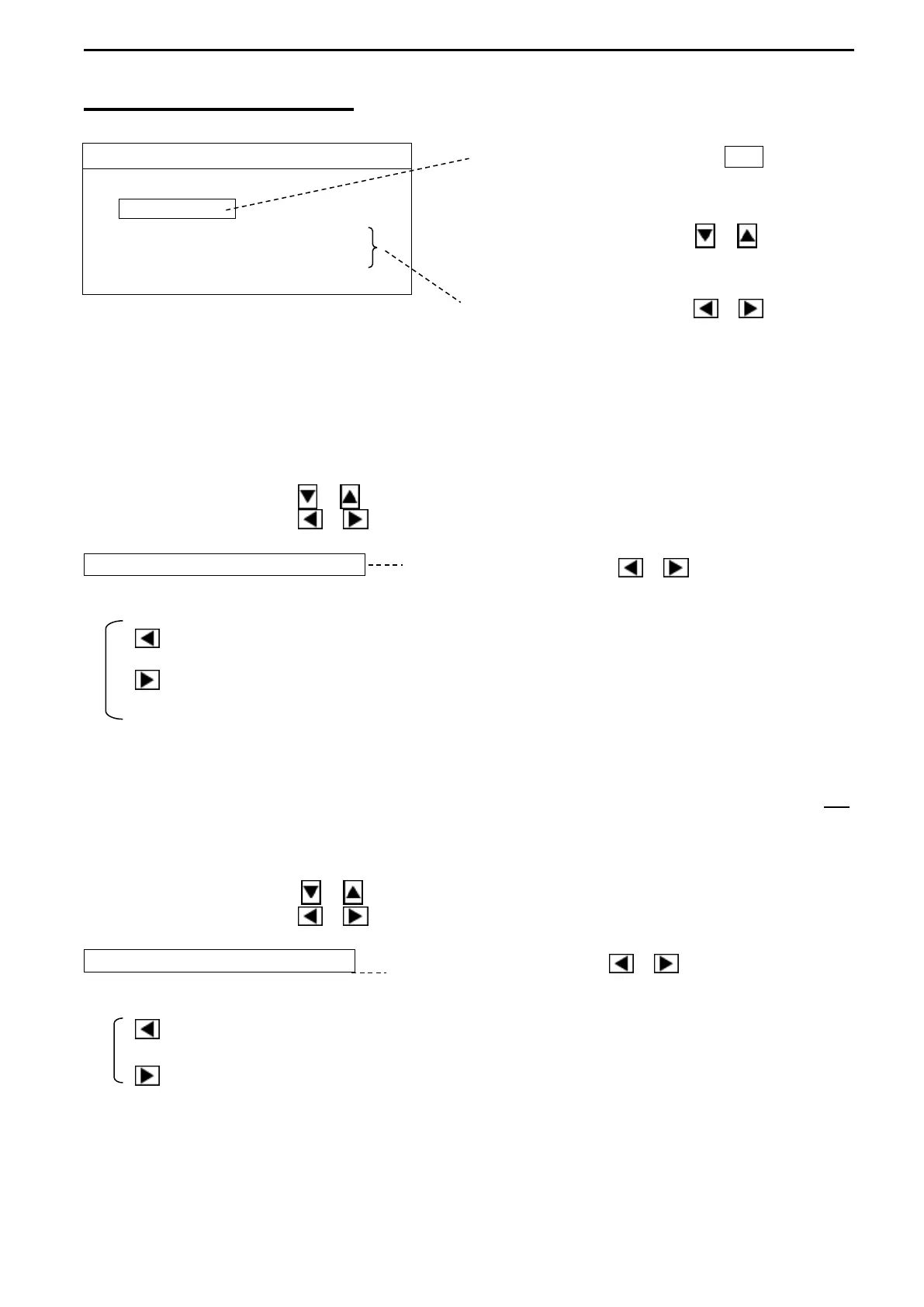
Press the Cursor Selection key O / +
Use the Cursor Shift key ( or )
to select the desired item to change.
Use the Cursor Shift key ( or )
1. TX FREQUENCY
Adjust the transmitting frequency of the KDS-5000BB and the receiving frequency changes in
conjunction with the transmitting frequency.
It can be changed from the basic frequency to ±10kHz every 0.1kHz unit.
Use the Cursor Shift key ( or ) to select “TX FREQUENCY”.
Use the Cursor Shift key ( or ) to change the setting.
TX FREQUENCY 180.0kHz Use the Cursor Shift key ( or ) to change.
[BASIC FREQUENCY to ±10kHz]
: decreases every 0.1kHz of the values of the frequencies for TX FREQUENCY and RX
FREQUENCY.
: increases every 0.1kHz of the values of the frequencies for TX FREQUENCY and RX
FREQUENCY.
2. RX FREQUENCY
Adjust the receiving frequency of the KDS-5000BB, but the transmitting frequency does not
change in conjunction with the receiving frequency.
It can be changed from the basic frequency to ±10kHz every 0.1kHz unit.
Use the Cursor Shift key ( or ) to select “RX FREQUENCY”.
Use the Cursor Shift key ( or ) to change the setting.
RX FEQUENCY 180.0kHz Use the Cursor Shift key ( or ) to change.
[BASIC FREQUENCY to ±10kHz]
: decreases every 0.1kHz of the values of the frequencies for RX FREQUENCY.
: increases every 0.1kHz of the values of the frequencies for RX FREQUENCY.



 To Next Page