KONE NanoSpace™
Owner’s Manual
114 (196) OM-01.03.086
(B) 2016-01-11
© 2014 KONE Corporation
All rights reserved.
9 Mark the maintenance work to the
elevator log book.
NOTE! Maintenance lo
gbook of the
elevator is stored in a rack on the
elevator car roof.
1. Drive downwards on RDF until the
elevator car roo
f is at the second
floor level.
2. Close and lock the maintenance
access panel (MAP).
3.
Go to the second floor.
4. Open the landing door with the
emer
gency release key
5. Mark the maintenance work to the
elevator log b
ook.
6. Close the landing doors.
7. Check that the landing doors are
mechanically locked.
8. Go to the maintenance access panel
(MAP).
9. Switch off the Recall Drive Feature.
(RDF)
10. If applicable, reset the shaft access
moni
tor. (SAM) Related information:
APPENDIX B. Resetting the safety
devices.
10 Switch off the shaft lights. (268)
11 Close and lock the maintenance access
panel.
12 Remo
ve the tools.
13 Clean the site.
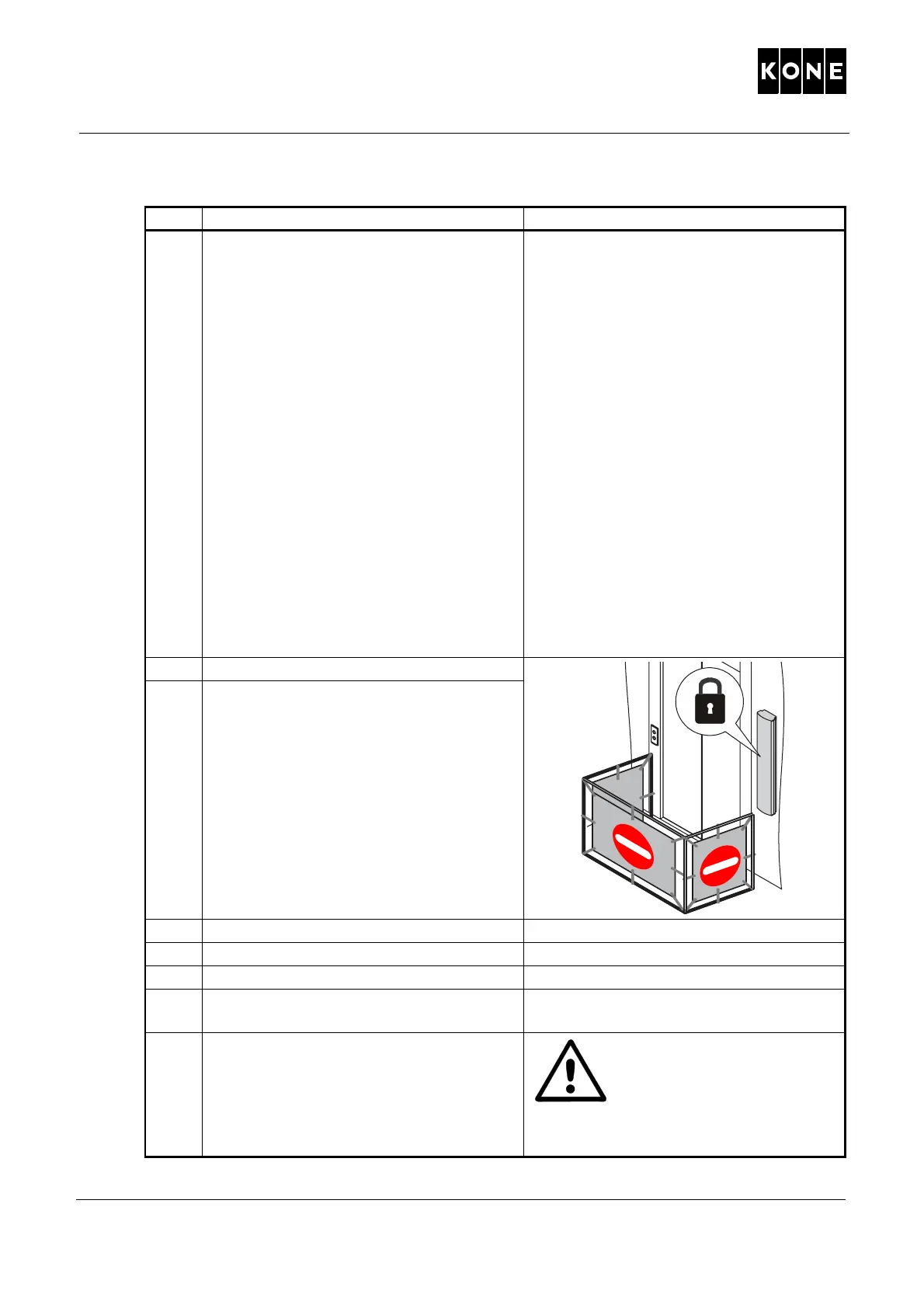
14 Remove the safety fences.
15 Remove the "Under maintenance"
signs.
16 Return the elevator to normal use. WARNING! If a
ny o
f the
periodical test fails, the
elevator
must not be put into
normal use before it has
been repaired and it has
passed all the tests.
Step Action Note / Illustration / Method
1072612.wmf



 To Next Page