104
KMHA 500-000099
Revision D
KDR
TM
AU-DDR Advanced U-Arm System with
Dynamic Digital Radiography (KDR AU DDR)
22.6 Changing Options Shown in Toolbar
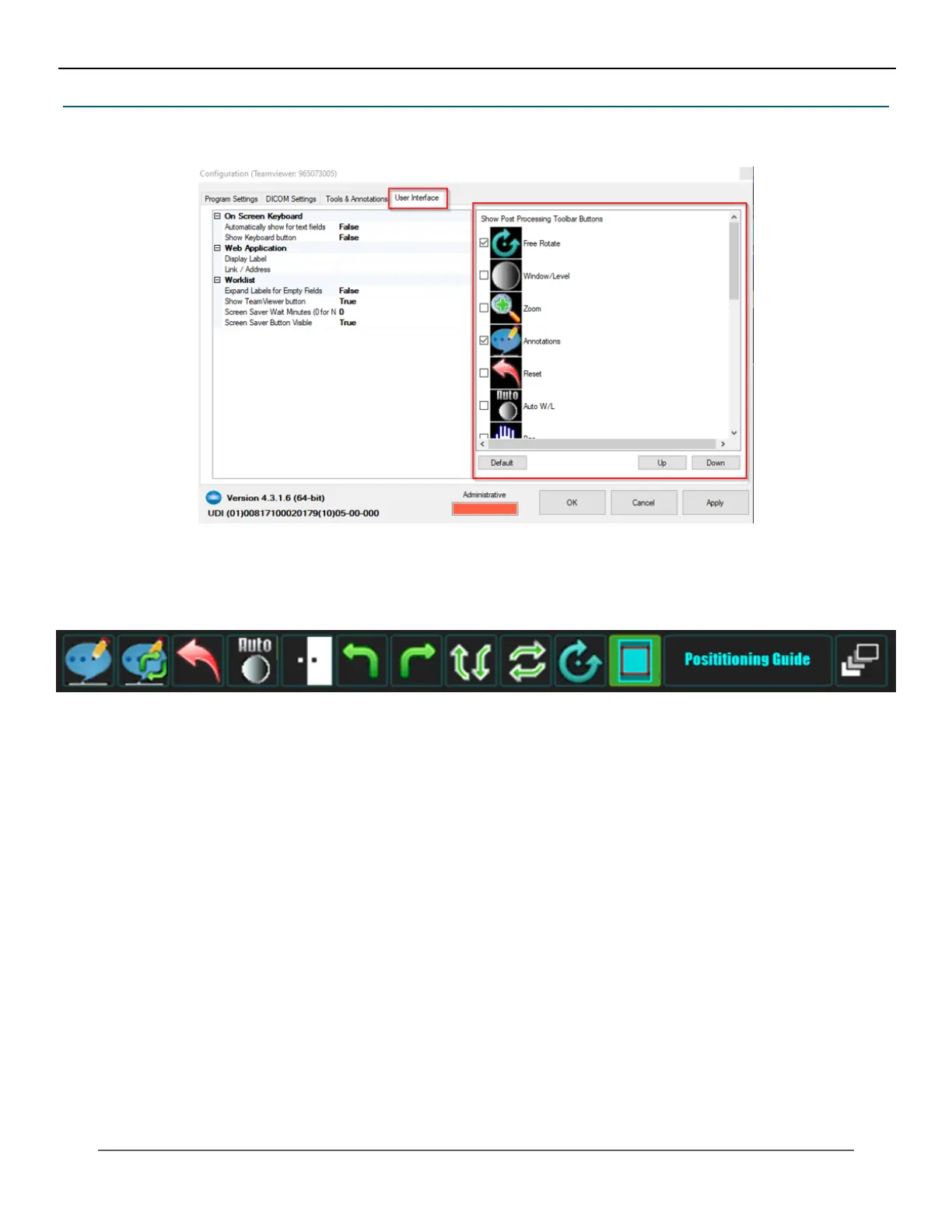
Options shown in the toolbar can be changed. Go to Options then User Interface.
Select the buttons to display in the Ultra toolbar. To reorder the buttons, select a button, click Up or Down to put it in the
desired position, then click Apply.
IV. SOFTWARE



 To Next Page
 Loading...




