100
KMHA 500-000099
Revision D
KDR
TM
AU-DDR Advanced U-Arm System with
Dynamic Digital Radiography (KDR AU DDR)
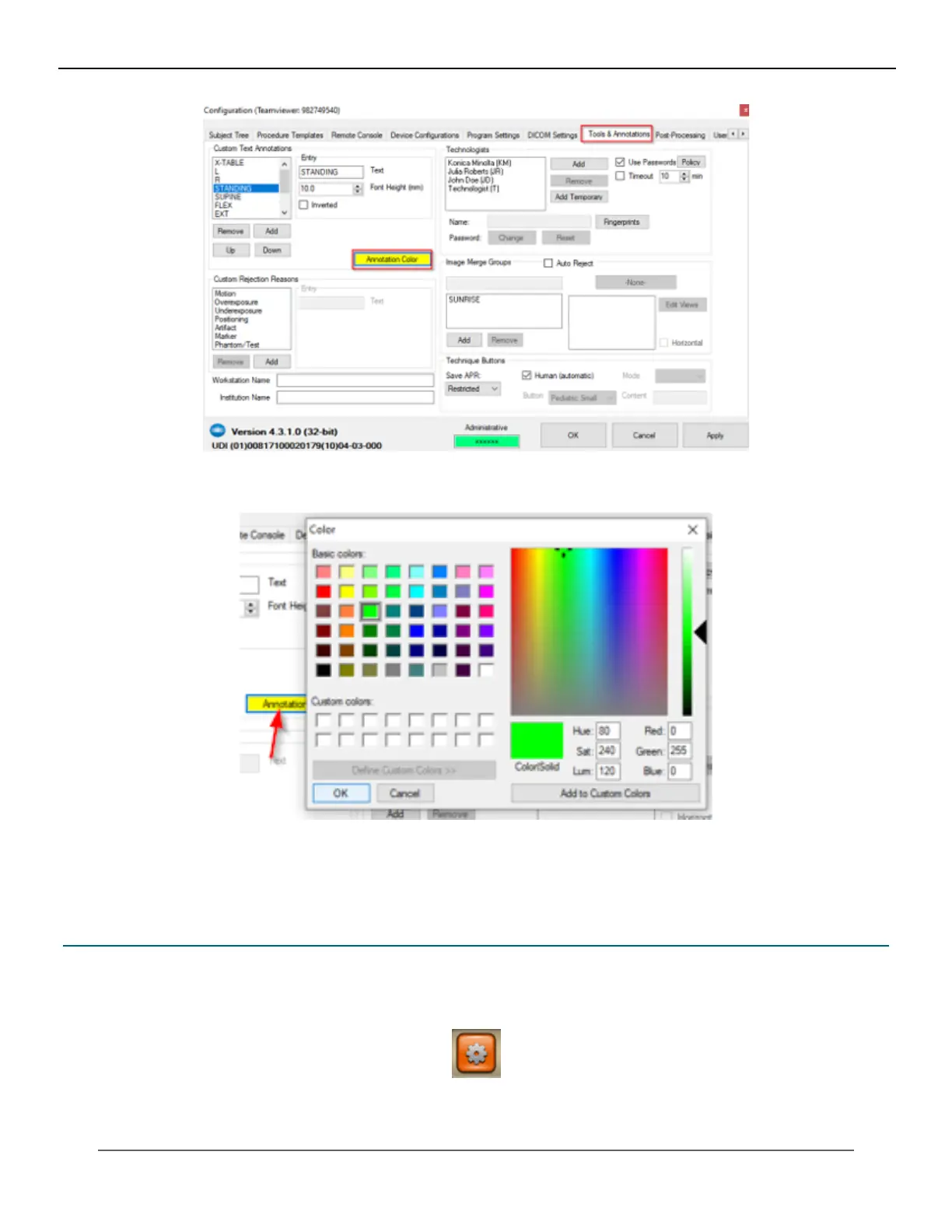
4. Select a color from the color grid and click OK.
5. Click on Apply to apply the changes made.
6. Click OK to close the Conguration screen.
22.3 Procedure Template Editor in Settings – Unassign, Remove Selected, and Copy
A new “Unassign” button returns the selected procedures alias name to the Unassigned aliases list.
1. Click the Options button.
IV. SOFTWARE



 To Next Page
 Loading...




