66
KMHA 500-000099
Revision D
KDR
TM
AU-DDR Advanced U-Arm System with
Dynamic Digital Radiography (KDR AU DDR)
17.9 Shuttering Images
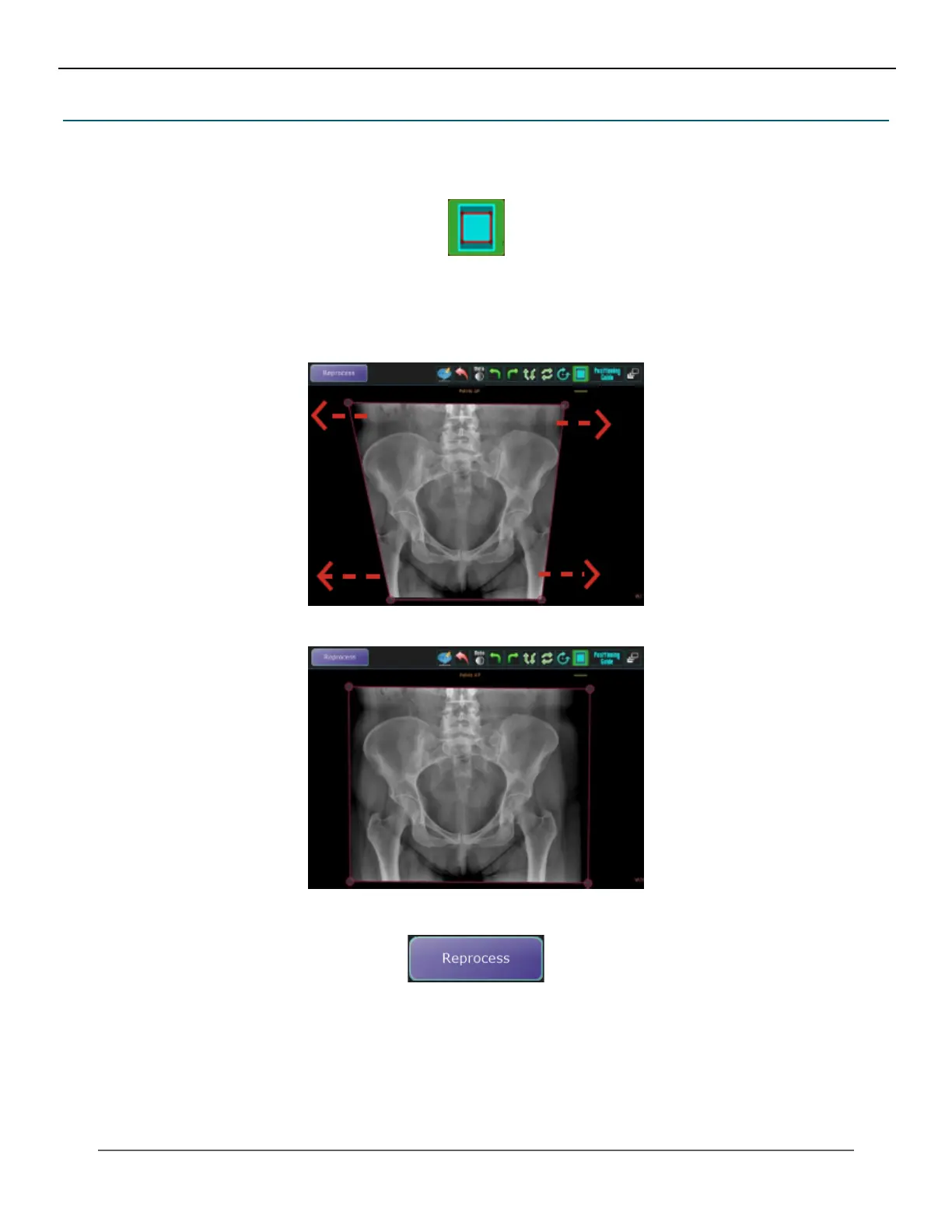
If Auto Shutter is not enabled, you can activate shuttering per exam, by clicking the Shutter icon to create a shutter box
around the image.
There are two different ways to correct a missed Auto Shutter:
1. Manually adjust either the Red shutter lines or its corners to the appropriate shape. When you hover over either
one of these, they will turn Blue. This means that you can drag them freely.
• Click the Reprocess button to reprocess the image for missing parts.
2. Draw your own shutter box by right-clicking the Shutter icon, then left-clicking the 3 corner dots in a clockwise
or counter-clockwise direction.
IV. SOFTWARE



 To Next Page
 Loading...




