118
KMHA 500-000099
Revision D
KDR
TM
AU-DDR Advanced U-Arm System with
Dynamic Digital Radiography (KDR AU DDR)
V. DYNAMIC MODE
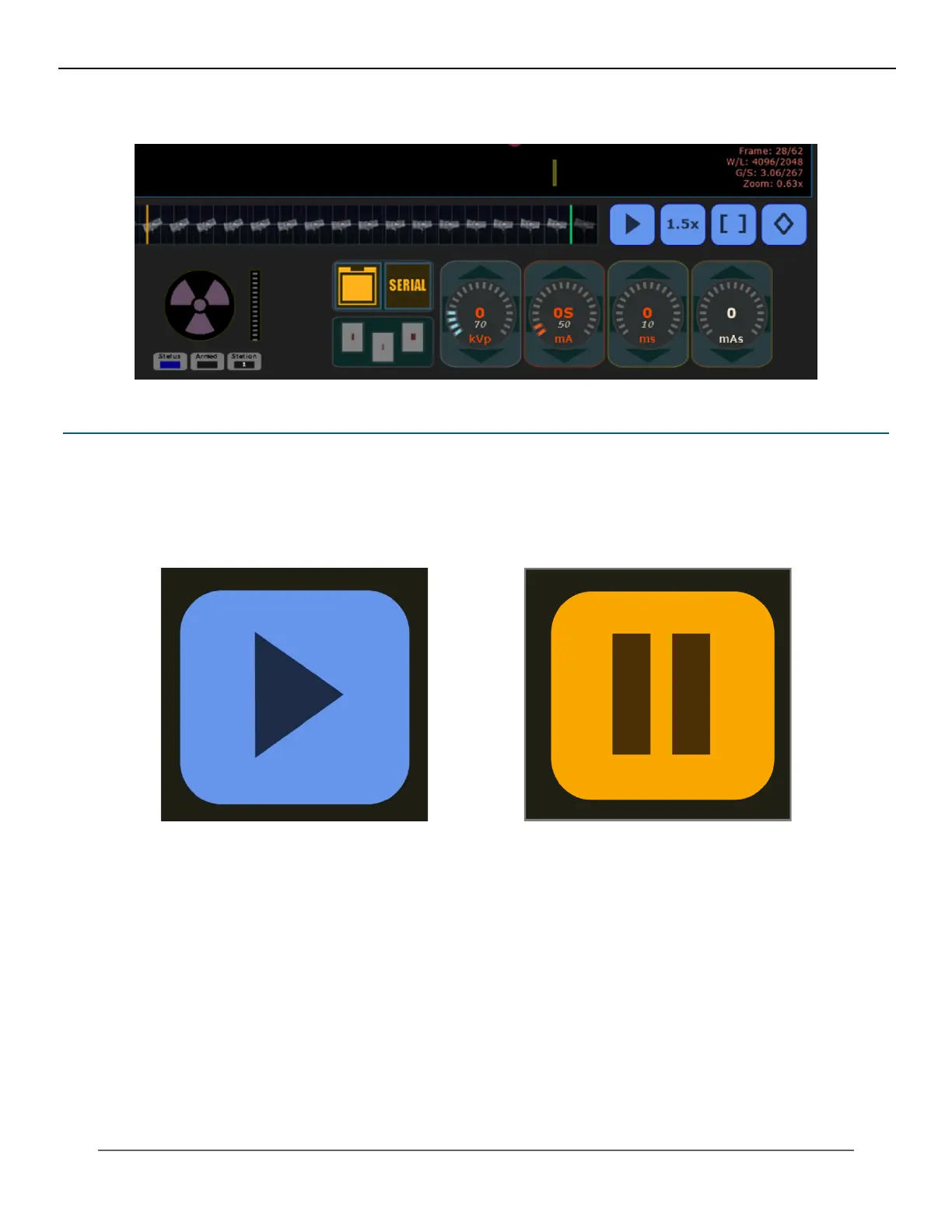
Figure 26.1.4
Dynamic Mode Generator Controls
26.2 Adjusting a Video Recorded in Dynamic Mode
Play – Pause Video
Click the “play” icon to toggle between play and pause (see Figures 26.2.1 and 26.2.2).
Figure 26.2.1
Play Buon (in Paused State)
Figure 26.2.2
Pause Buon (in Playing State)



 To Next Page
 Loading...




