114
KMHA 500-000099
Revision D
KDR
TM
AU-DDR Advanced U-Arm System with
Dynamic Digital Radiography (KDR AU DDR)
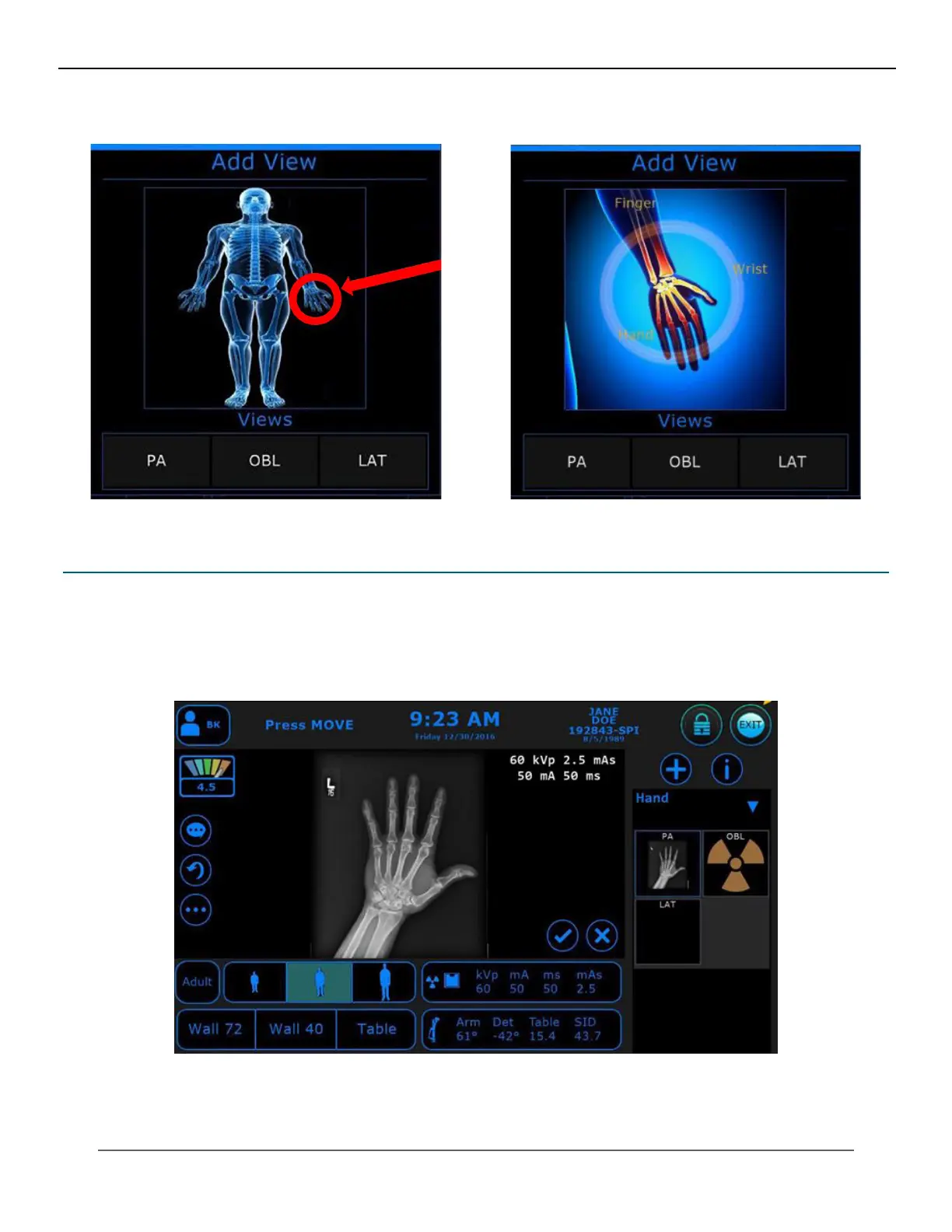
Figure 25.2.2
“Add View” Box
Figure 25.2.3
“Add View” Area
25.3 The Exit Button on the Positioner Control Panel
1. When you are nished with your exam(s), click the “EXIT” button in the top right-hand corner of the acquire
screen (see Figure 25.3.1).
2. The “Exit Exam” box will appear (see Figure 25.3.2).
Figure 25.3.1
Exit Buon
IV. SOFTWARE



 To Next Page
 Loading...




