109
KMHA 500-000099
Revision D
KDR
TM
AU-DDR Advanced U-Arm System with
Dynamic Digital Radiography (KDR AU DDR)
IV. SOFTWARE
23.0 SOFTWARE SETTINGS (FOR SYSTEM ADMINISTRATORS)
23.1 Software Settings (for System Administrators)
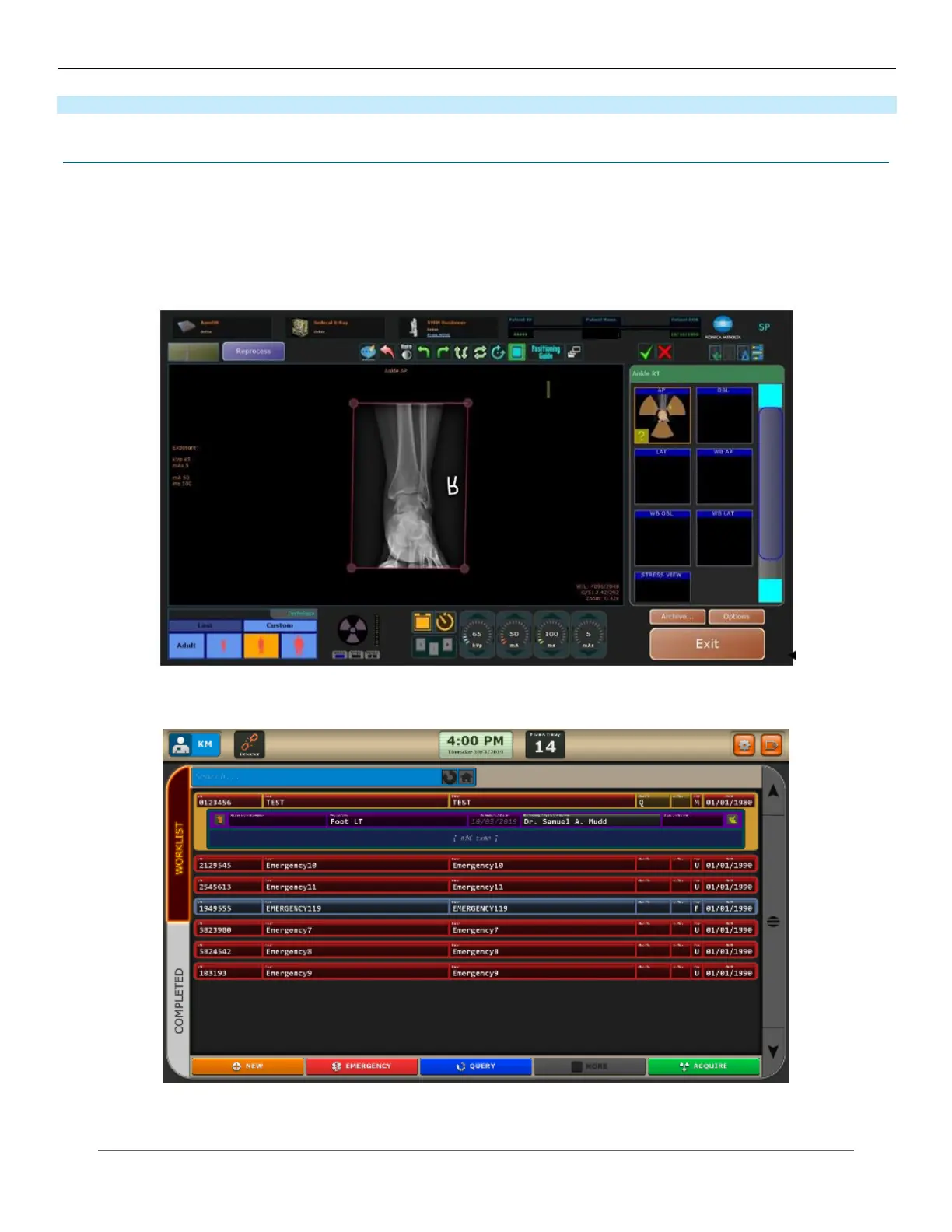
1. Click on the “Options” button in the top right corner of the home screen or the bottom right corner of the acqui-
sition screen (see Figures 23.1.1 and 23.1.2).
2. A password box will appear (see Figure 23.1.3).
Figure 23.1.1
Home Screen
Figure 23.1.2
Acquision Screen



 To Next Page
 Loading...




