65
KMHA 500-000099
Revision D
KDR
TM
AU-DDR Advanced U-Arm System with
Dynamic Digital Radiography (KDR AU DDR)
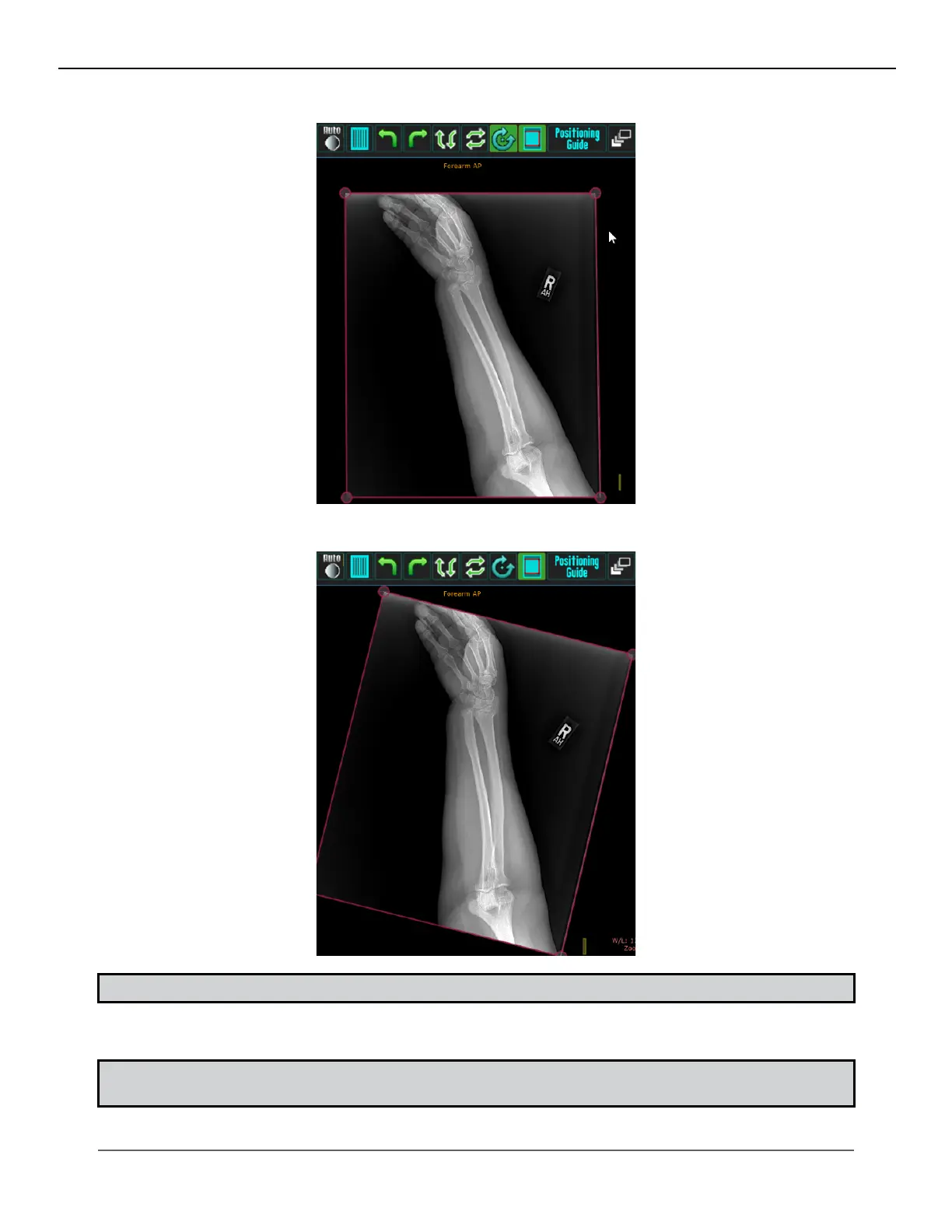
2. Left-click outside the shutter lines of the image. (Be sure not to click on a shutter corner or line).
3. Drag your mouse to rotate the image to the desired angle.
NOTE: If you have a touch screen, use one nger to drag outside the image instead of using a mouse
4. Release the mouse button.
NOTE: The “Rotate Images Slightly” icon will change back to inactive, after you lift your nger off the mouse
button. If you need to rotate the image some more, click again on the Rotate Images Slightly icon.
IV. SOFTWARE



 To Next Page
 Loading...




