55
KMHA 500-000099
Revision D
KDR
TM
AU-DDR Advanced U-Arm System with
Dynamic Digital Radiography (KDR AU DDR)
Accepting Individual Images
1. Select an image.
1. Click to accept the selected image.
Rejecting Individual Images
1. Select an image.
2. Click to reject the selected image.
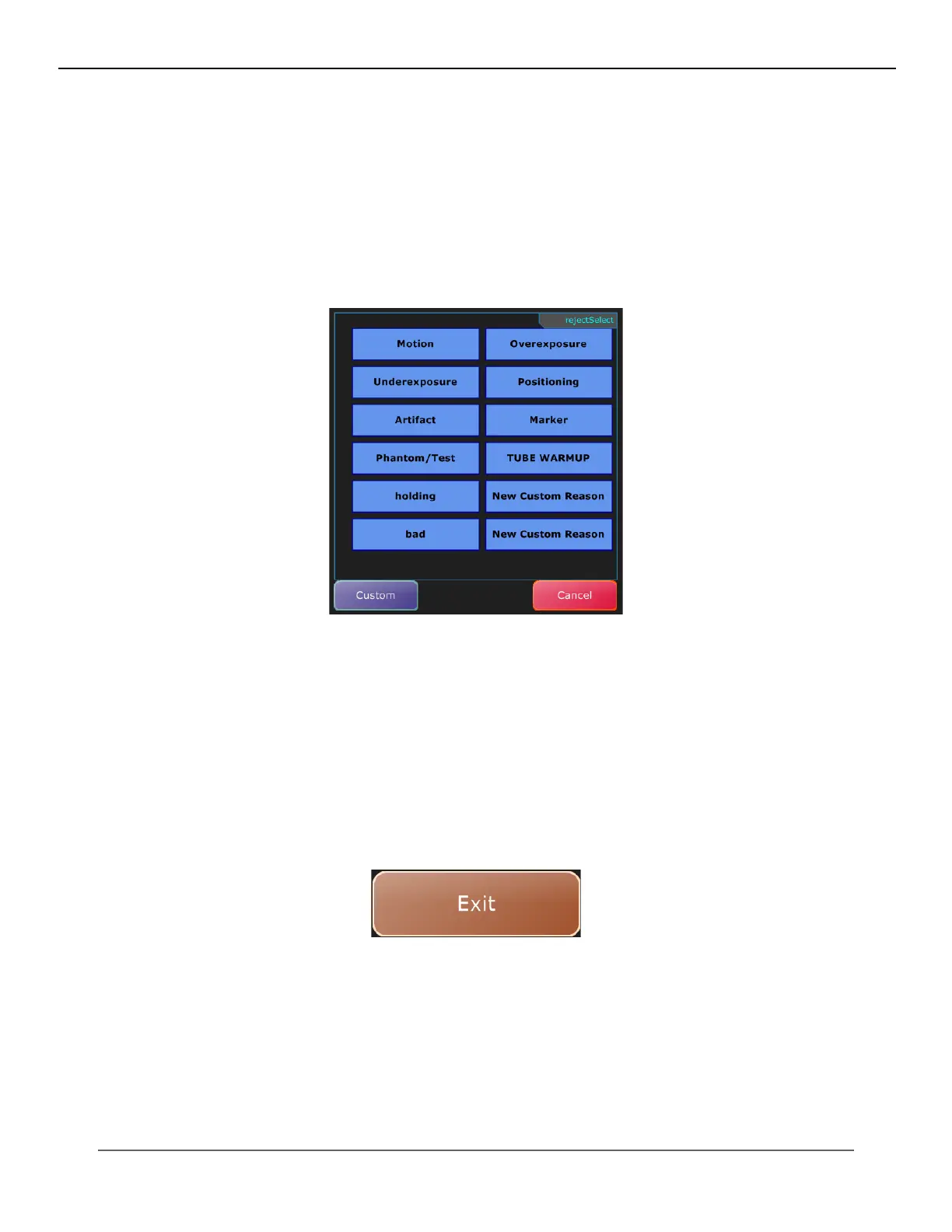
3. Select a reason for rejecting the image.
Rejecting and Accepting Unmarked Images
During an exam, you can individually accept and reject images. If you did not approve all images, you are prompted with
the option to accept all unmarked images or to reject all unmarked images that still have a questionable status when you
exit Acquire.
You also have the option to suspend the exam to approve images at a later time. However, you must accept or reject all
images to send the exam to PACS.
After completing the exam procedures, click Exit to return to the Worklist view.
If there are any images that still have a questionable status you are prompted with the following options:
IV. SOFTWARE



 To Next Page
 Loading...




