72
KMHA 500-000099
Revision D
KDR
TM
AU-DDR Advanced U-Arm System with
Dynamic Digital Radiography (KDR AU DDR)
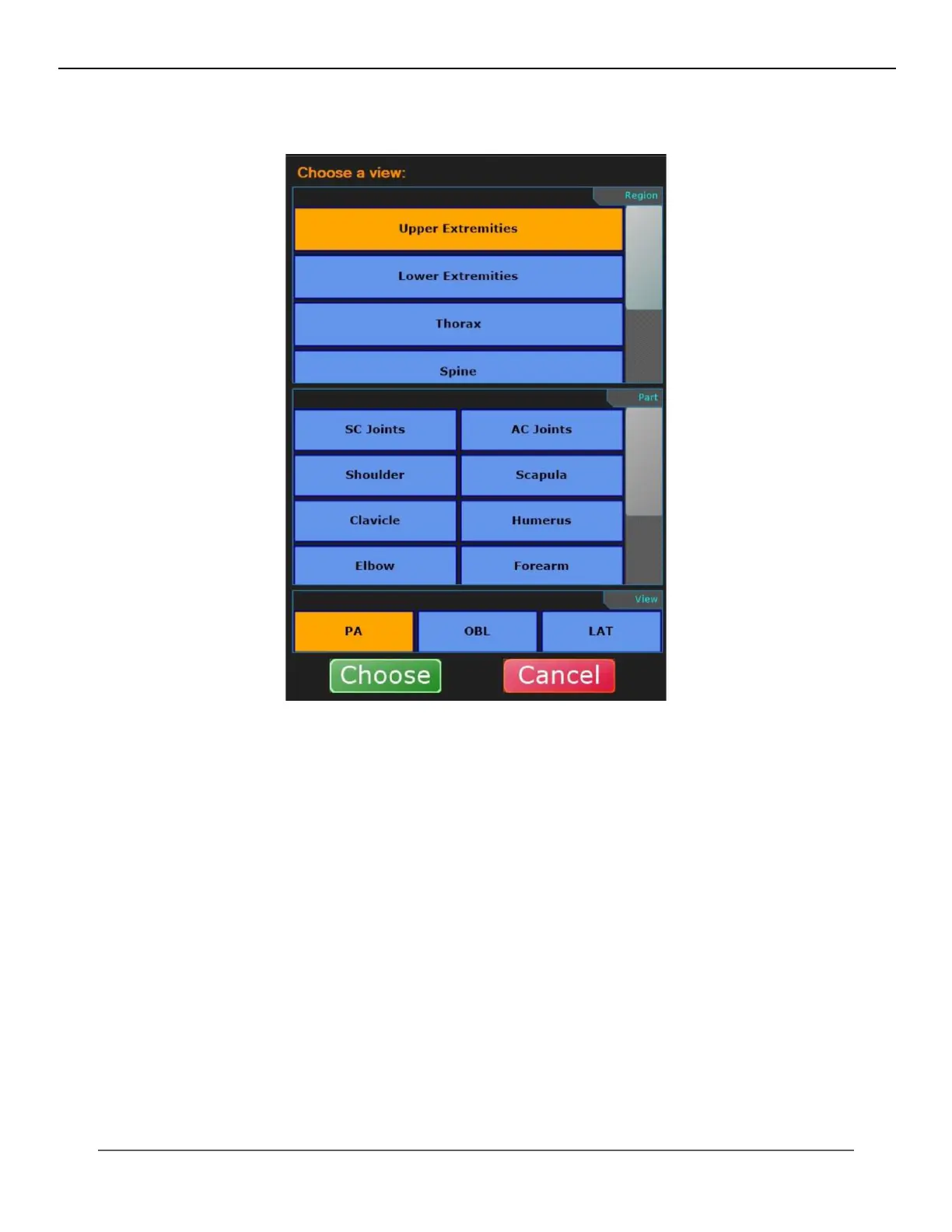
10. This box will appear.
11. Select the view you want the nal image to be named, e.g., “PA Hand”.
12. Click “Choose”.
This is an example of the nal image with three images on one. It will send to PACS as a single image under this study.
IV. SOFTWARE



 To Next Page
 Loading...




