85
KMHA 500-000099
Revision D
KDR
TM
AU-DDR Advanced U-Arm System with
Dynamic Digital Radiography (KDR AU DDR)
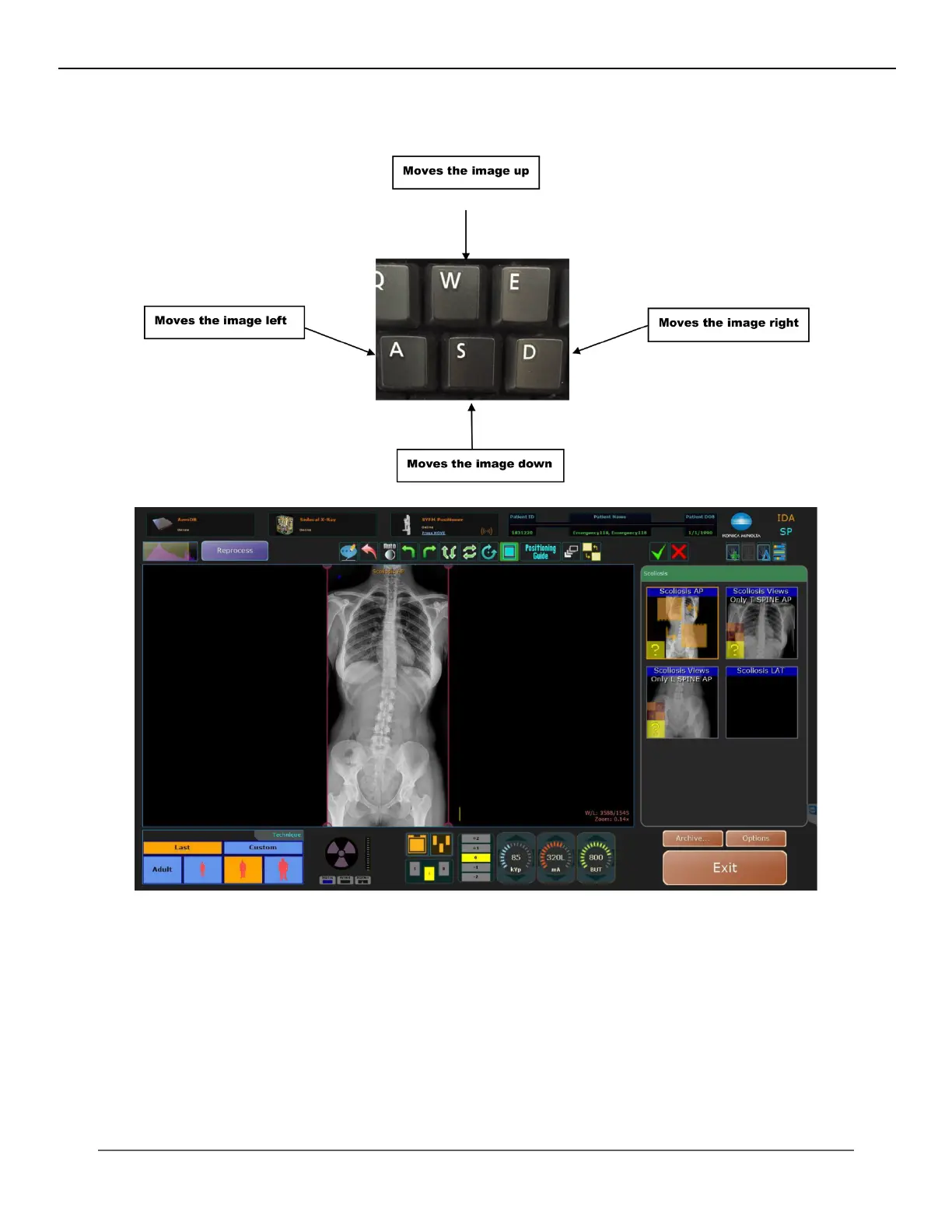
To make any adjustments you will use the keys A, S, D, and W on the keyboard of the computer to pixel shift the image. This
will allow you to manipulate the image in small increments.
After clicking “conrm” your nal stitched image will appear. At this point you are able to either accept the images or re-
stitch the two or three images together again if you decide they are not lined up correctly.
IV. SOFTWARE



 To Next Page
 Loading...




