magicolor 8650 7-19
Print functions of the printer driver for Macintosh
7
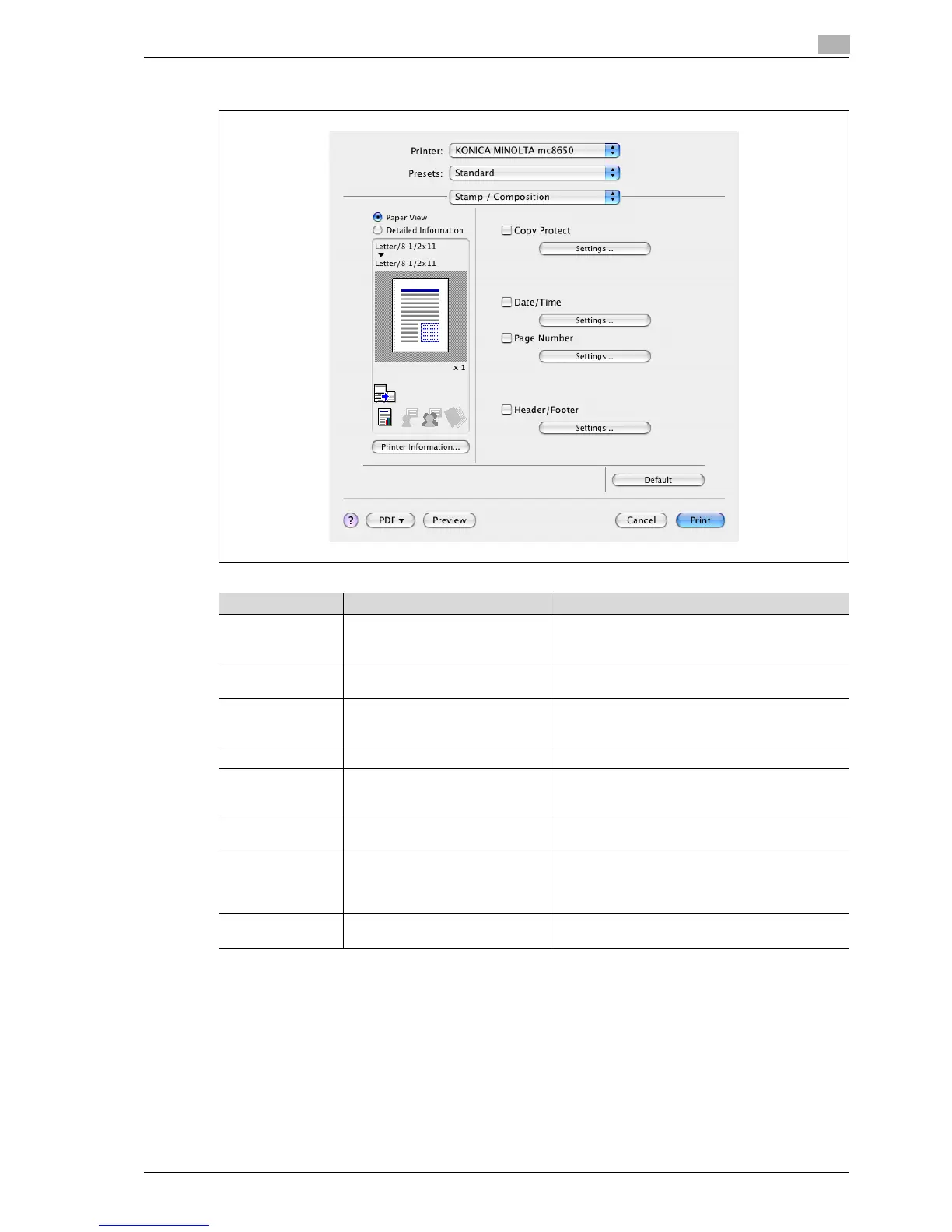
7.5.8 Stamp/Composition
Function name Option Description
Copy Protect ON/OFF Prints a special pattern to prevent copying. You can
specify items, positions and the composition to be
printed by clicking the [Settings] button.
[Settings] — For details, refer to "Editing copy protect" on
page 7-20.
Date/Time ON/OFF You can print the date and time on a document. You
can specify items, pages and positions to be printed
by clicking the [Settings] button.
[Settings] — For details, refer to "Editing date/time" on page 7-22.
Page Number ON/OFF Prints the page number. You can specify items, pages
and positions to be printed by clicking the [Settings]
button.
[Settings] — For details, refer to "Editing page number" on
page 7-23.
Header/Footer Machine Setting 1-20 Prints the header and footer. Select header/footer in-
formation from the list specified in the printer. You can
specify items and pages to be printed by clicking the
[Settings] button.
[Settings] — For details, refer to "Editing header/footer" on
page 7-24.














 To Next Page