3
Network settings
3-14 magicolor 8650
3.4.3 Specifying IPP print settings
Specify settings for printing using IPP.
IPP printing is performed via the network using the IPP protocol. Using the HTTP protocol can transfer print
data to the printer on the network, and therefore also enabling output to a remote printer via the Internet.
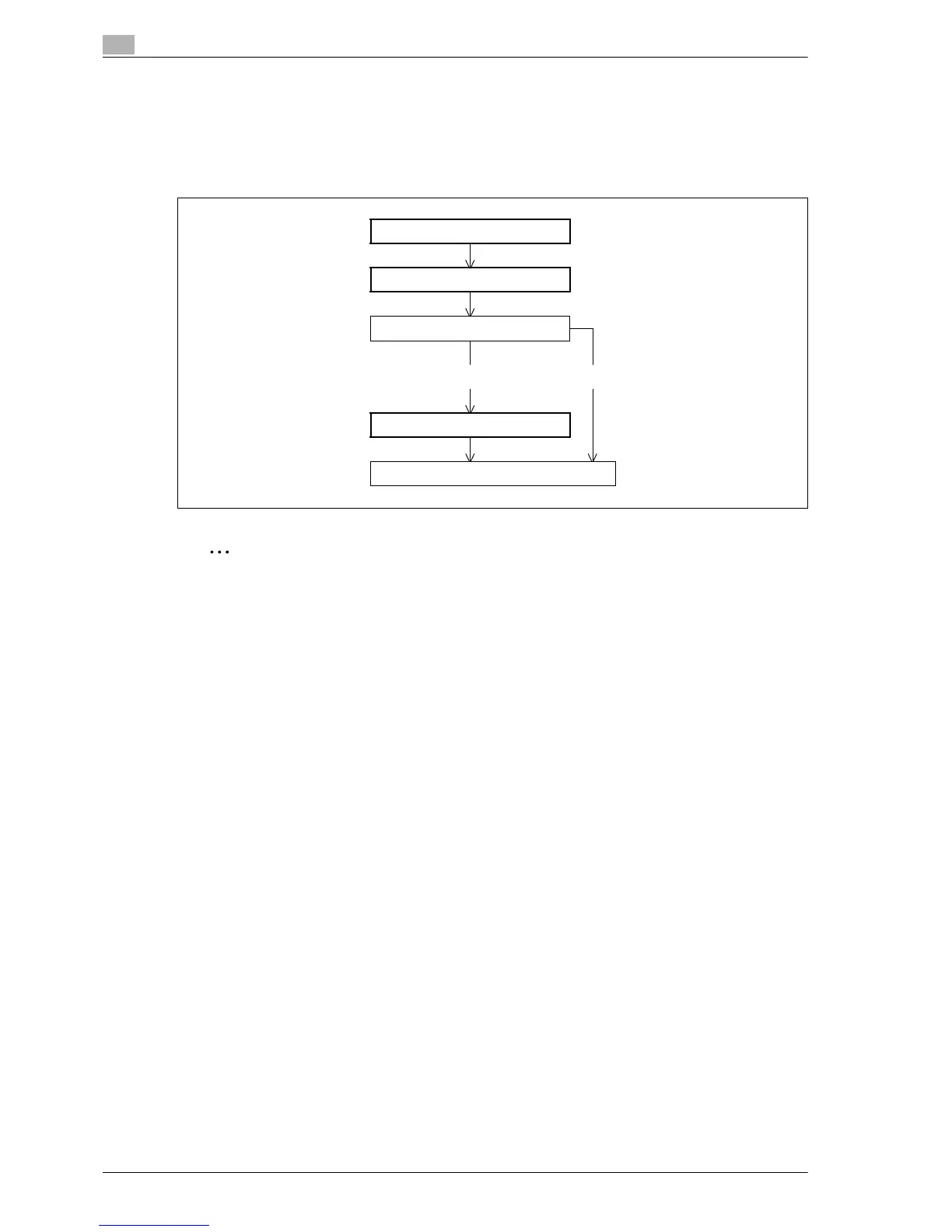
% Specify the settings according to the following flowchart.
Note
For details on installing the printer driver, refer to "Installing the printer driver for Windows" on page 4-3.
TCP/IP Settings
Specify settings to use this machine in a TCP/IP network environment.
For details, refer to "Specifying general settings for TCP/IP-based communication" on page 3-3.
TCP/IP Settings
IPP Setting
Allow?
Yes No
IPP Authentication Setting
Finish
EDNord - Istedgade 37A - 900 Aalborg - telefon 9633 3500














 To Next Page