8
Function detail description
8-34 magicolor 8650
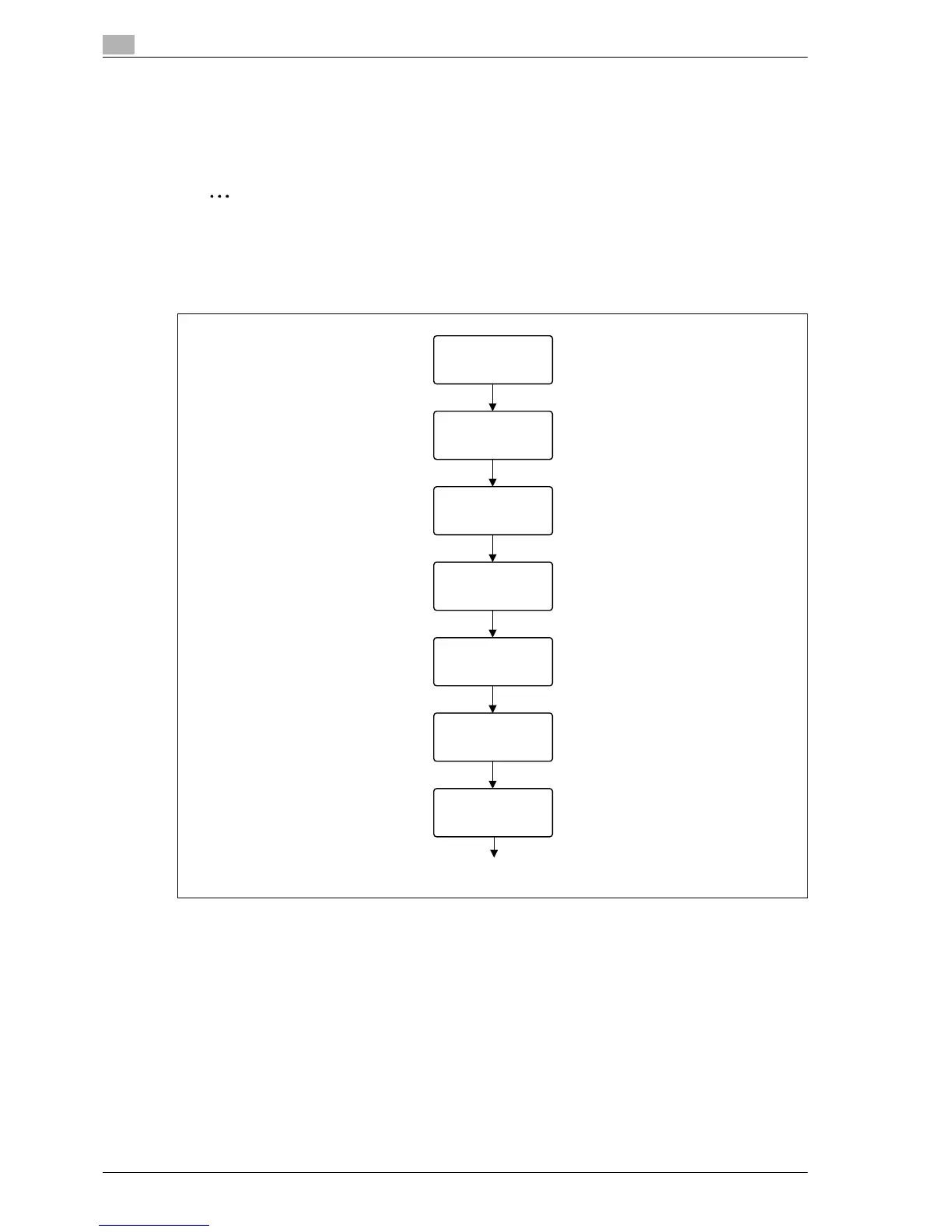
8.8.2 Recalling a job from the control panel
The jobs output by the Touch and Print function are saved in the Touch & Print Box on this machine and can
be manually retrieved by opening the Touch & Print Box.
When displaying the "Job Operation" menu, user name and password are required.
Note
For details on the "Utility" menu operations, refer to "Control panel" on page 9-3.
Touch and Print documents are automatically deleted after a certain length of time has elapsed since
their registration. The default setting for this time is specified as 1 day, and the value can be specified
in the Administrator mode.
Job Operation
Enter User Name
Select User
Enter password.
Touch & Print Box
All Documents
Print
document XXXX
Print
EDNord - Istedgade 37A - 900 Aalborg - telefon 9633 3500














 To Next Page