10
PageScope Web Connection
10-62 magicolor 8650
10.13.3 Install a Certificate
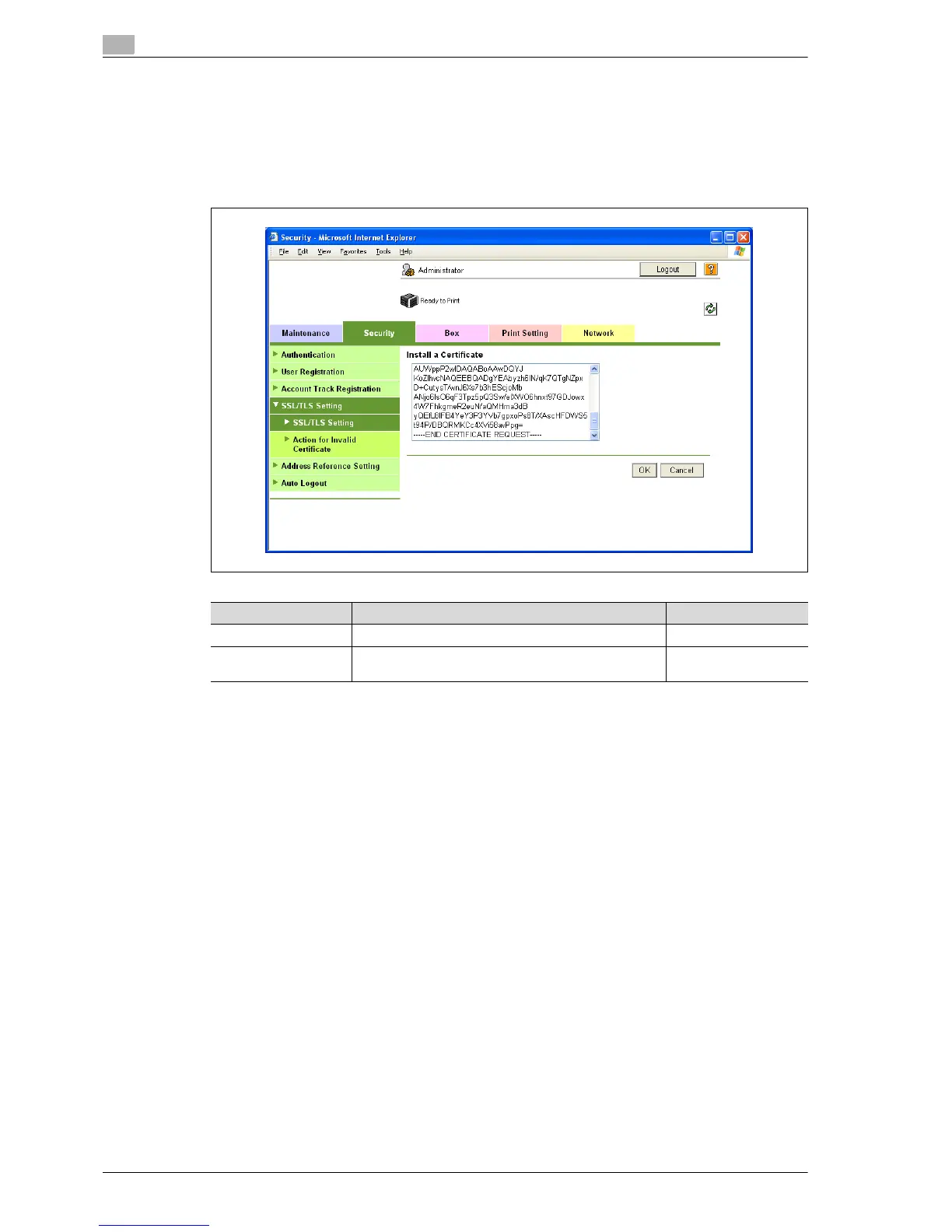
1 In Administrator mode of PageScope Web Connection, select the Security tab - "SSL/TLS Setting"-
"SSL/TLS Setting" - [Setup] - "Install a Certificate".
2 After requesting a certificate to the certification authority, install the certificate sent from the certification
authority on this machine.
Item Definition Prior confirmation
Install a Certificate Paste text data sent from the certification authority.
[OK] Moves to the Set an Encryption Strength and Set Mode
using SSL screen.














 To Next Page