magicolor 8650 3-11
Network settings
3
Print Setting
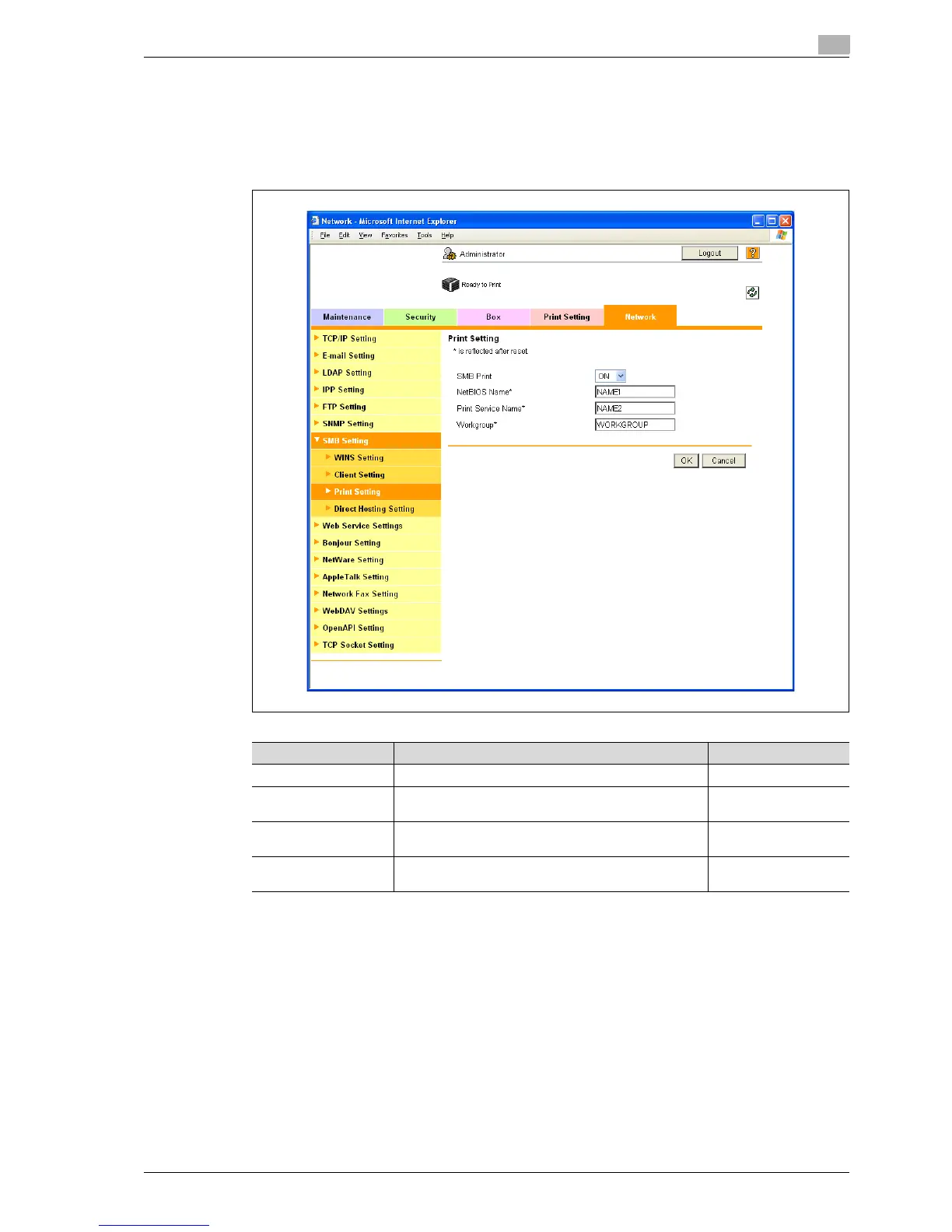
1 In Administrator mode of PageScope Web Connection, select the Network tab - "SMB Setting" - "Print
Setting".
2 Specify the following settings.
Item Definition Prior confirmation
SMB Print Select "ON".
NetBIOS Name Specify the NetBIOS name with uppercase letters (up to
15 characters).
Print Service Name Specify the print service name with uppercase letters (up
to 12 characters).
Workgroup Specify the workgroup name with uppercase letters (up
to 15 characters).
Workgroup to which
you belong














 To Next Page