magicolor 8650 2-35
Before using the machine
2
2.6.2 Compatible interfaces
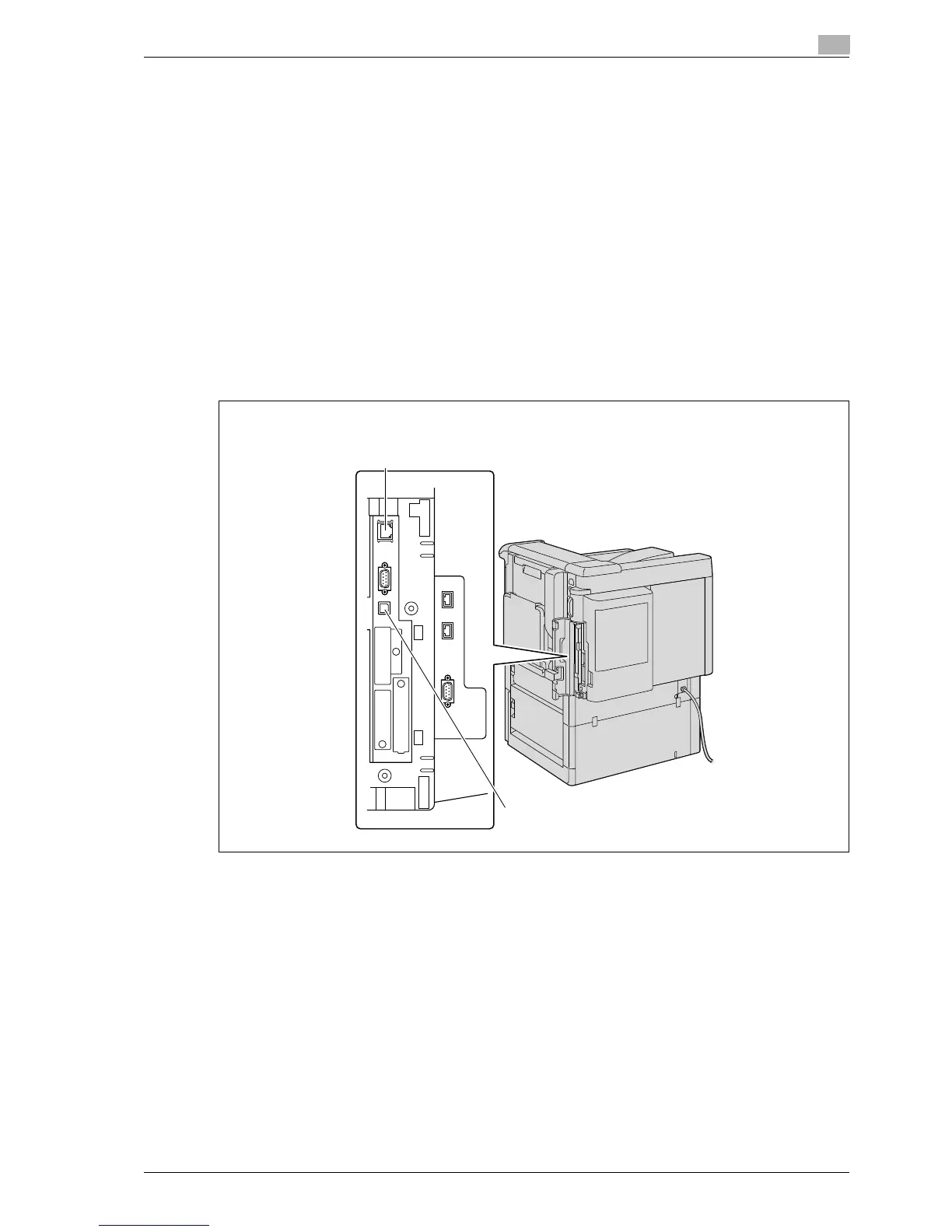
The following interfaces can be used to connect this printing system to a computer.
Ethernet interface
Select to use this printing system via a network connection.
Supports 10Base-T, 100Base-TX, and 1000Base-T standards. In addition, the Ethernet interface supports
the TCP/IP (LPD/LPR, IPP, SMB), Web Service, IPX/SPX (NetWare), and AppleTalk (EtherTalk) protocols.
USB interface
Select to use this printing system via a USB connection.
The USB interface can be connected to a computer running Windows. A USB cable is required for
connection. Use a type A (4 pin, male) or type B (4 pin, male) USB cable. A USB cable measuring three meters
or less is recommended.
Connection diagram
The printer cables are connected to each port on this machine.














 To Next Page