magicolor 8650 8-5
Function detail description
8
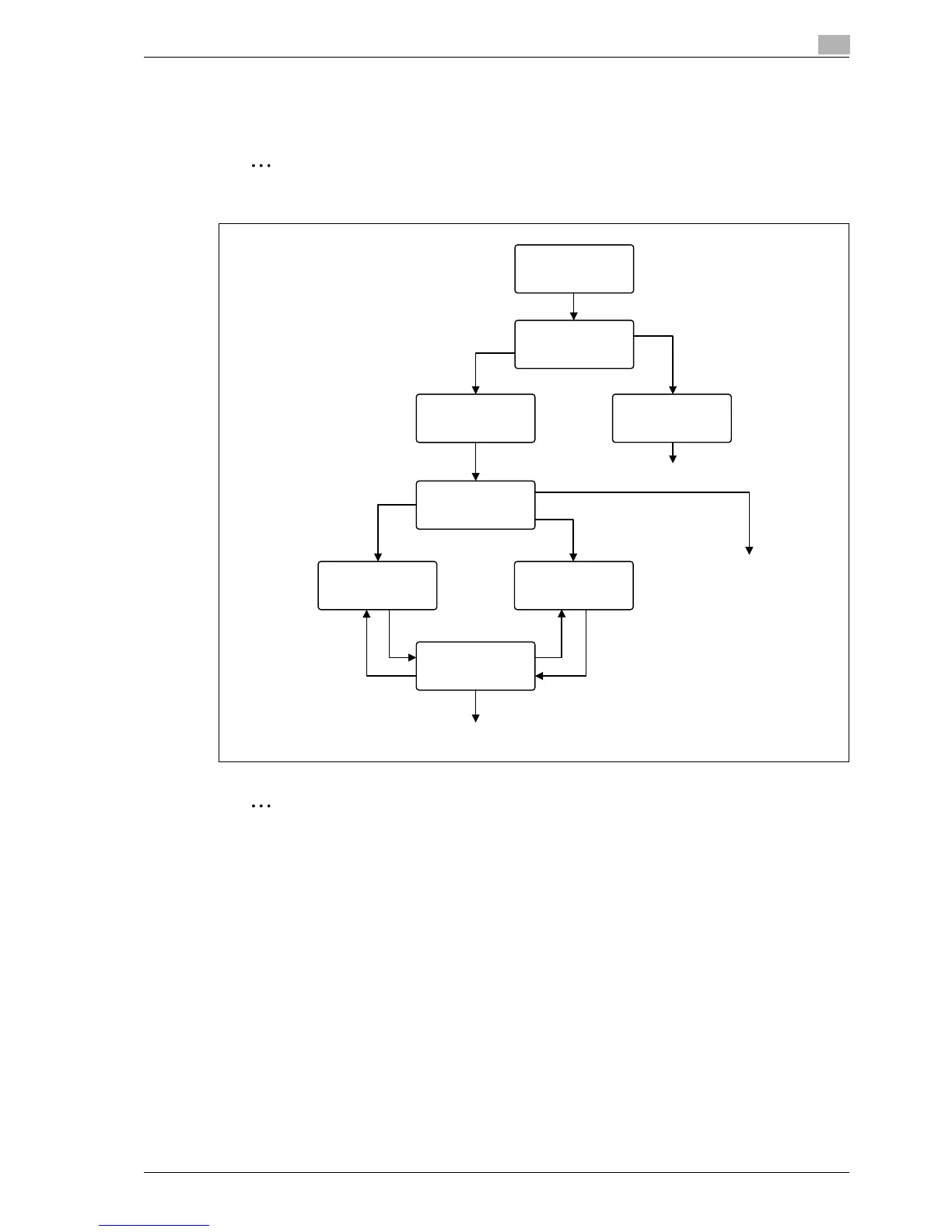
8.1.2 Recalling a job from the control panel
% Press the [Menu/Select] key, and then the "Utility" menu appears. From this menu, select [Job
Operation] - [Proof print].
Note
For details on the "Utility" menu operations, refer to "Control panel" on page 9-3.
Note
If the user authentication function has been specified on the machine, the screen to input the user name
appears after the Job Operation screen. Enter the user name and password.
If the Account Track function has been specified on the machine, the screen to input the department
name appears after the Job Operation screen. Enter the department name and password.
Proof Print
All Documents
Print
Print
Print
XXX copies
1-Sided
XXXX
All Documents
Print
Print
Print
Number of Copies
Simplex/Duplex
Print
Print
document XXXX
Simplex/Duplex
Number of Copies
2-Sided
Print
Simplex/Duplex
Number of Copies
EDNord - Istedgade 37A - 900 Aalborg - telefon 9633 3500














 To Next Page