11
Troubleshooting
11-48 magicolor 8650
11.7 When the message "Please replace XXXX." appears
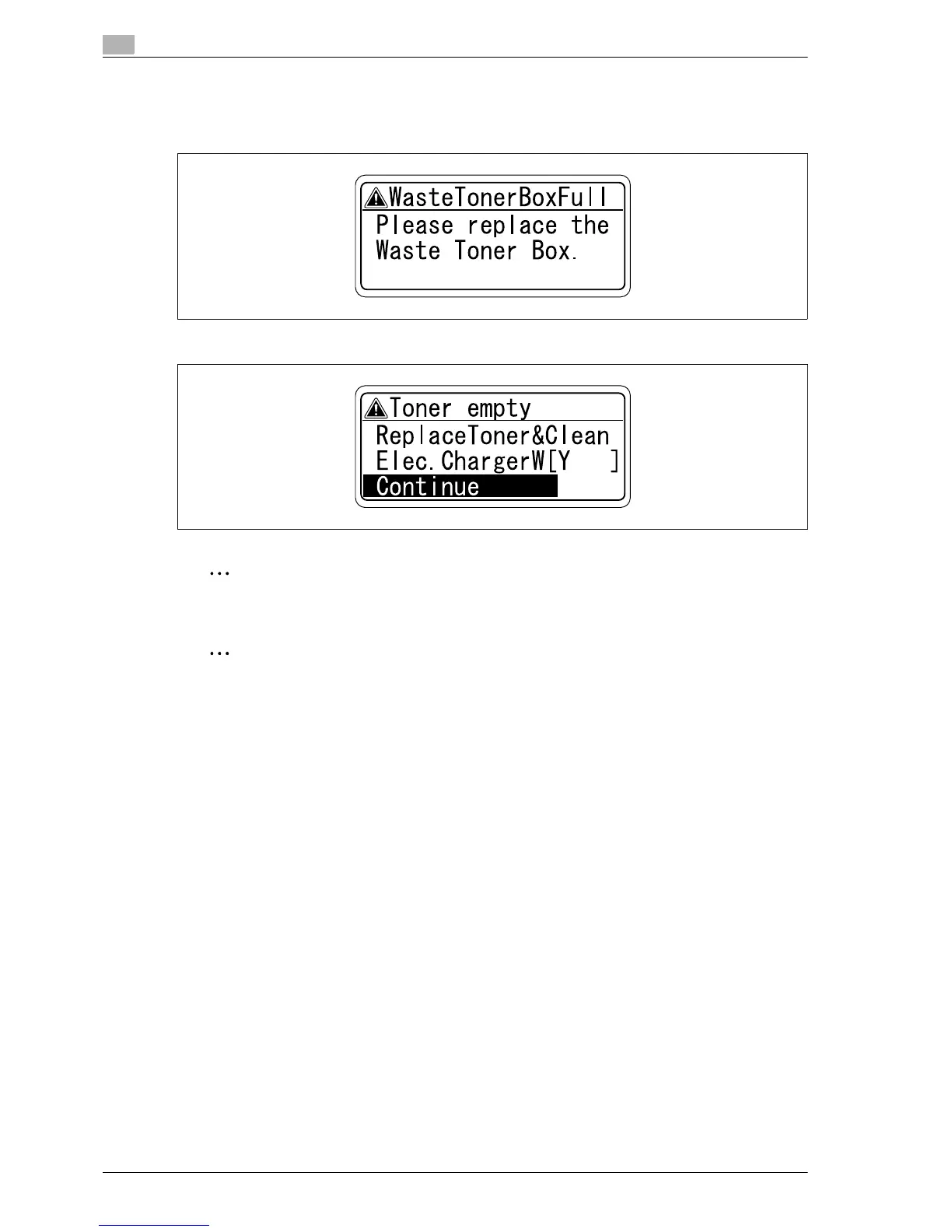
When it is time to replace consumables or a part within this machine, a message similar to the one shown
below appears.
If toner cartridges other than black are empty, printing can temporarily continue in black.
Note
When the message appears, replace the specified consumables or part.
Reminder
Dispose of the used consumables or parts according to your local regulations.
If you turn the power of this machine off and on, or you open and close the front cover more than five
times without touching [Continue] after a message prompting you to replace the toner appears, printing
will not be able to be continued in order to protect the machine.
EDNord - Istedgade 37A - 900 Aalborg - telefon 9633 3500














 To Next Page