3
Network settings
3-12 magicolor 8650
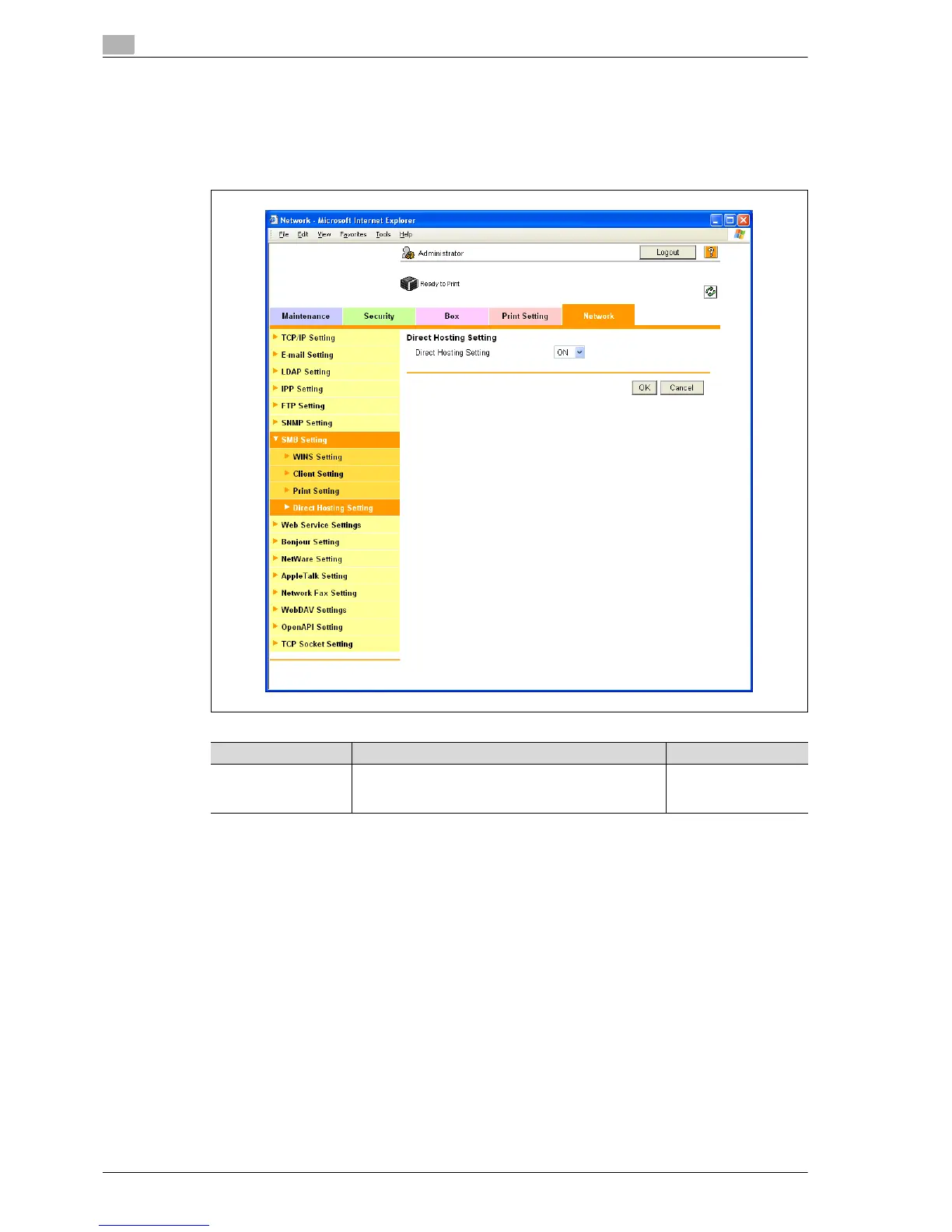
Direct Hosting Setting
1 In Administrator mode of PageScope Web Connection, select the Network tab - "SMB Setting" - "Direct
Hosting Setting".
2 Specify the following setting.
Item Definition Prior confirmation
Direct Hosting Setting To use the direct hosting service, select "ON".
To communicate with the destination using an IPv6 ad-
dress, select "ON".
Whether the IPv6 envi-
ronment is available














 To Next Page