magicolor 8650 16-5
Authentication unit (IC card type AU-201)
16
16.4 Using authentication unit (IC card type) AU-201
In order to use this device, user IC card IDs must first be registered with the machine. A registered user can
print a print job after completing authentication with their IC card IDs. The following procedures describe how
to specify the necessary settings on the machine and register users.
Reminder
Do not disconnect the USB cable while this device is being used, otherwise the system may become
unstable.
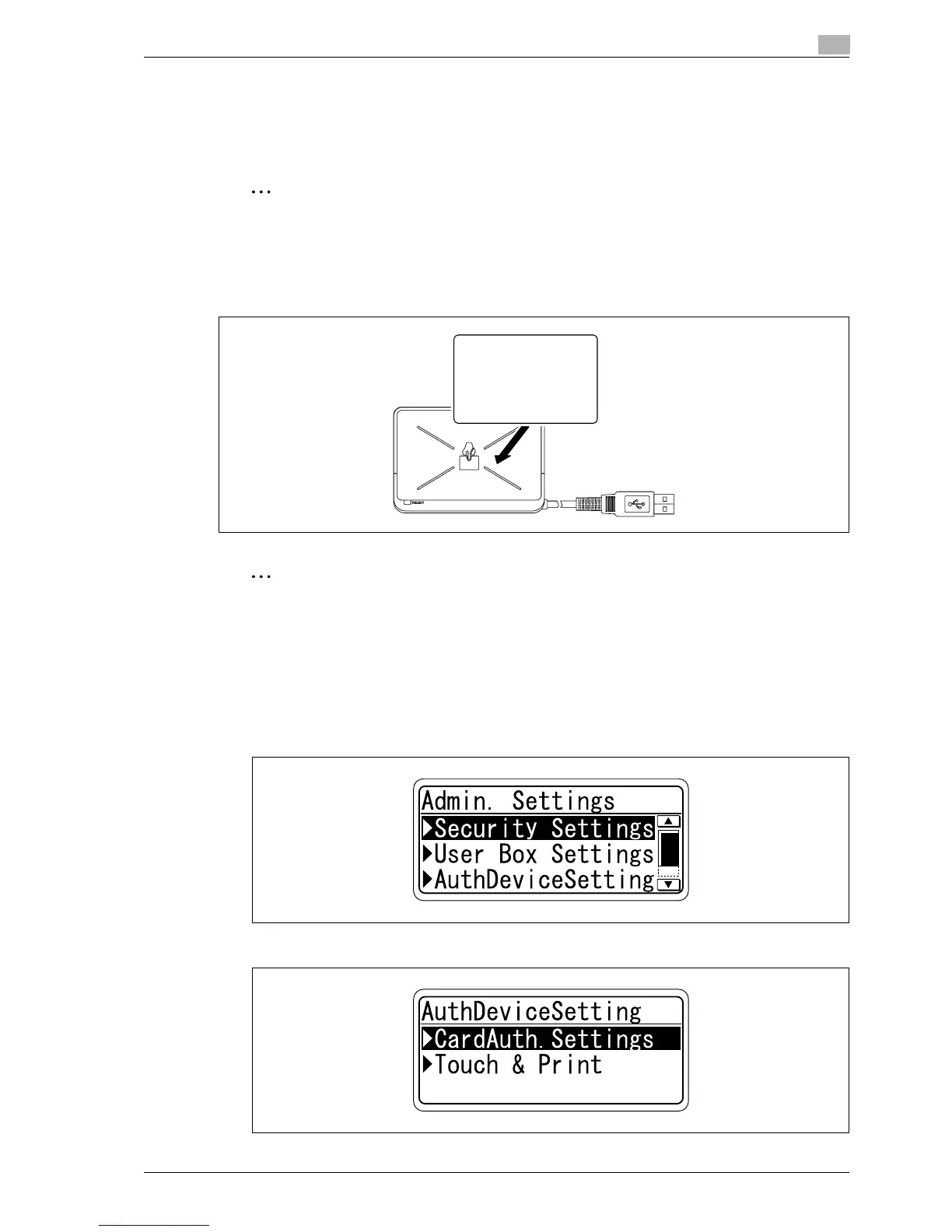
16.4.1 Positioning the IC card
% Place the IC card horizontally on the card scanning area.
Reminder
Do not store the IC card within 40
mm
of the card scanning area.
16.4.2 Multifunctional product settings
To use the authentication unit (IC card type), an optional HDD and local interface kit must be installed.
1 From the "Main Menu" on the control panel, display the Admin. Settings screen.
– For details on displaying the Admin. Settings screen, refer to "Operations for changing numeric
values" on page 9-5.
2 From the Auth Device Setting screen, select [Card Auth. Setting], and then press the [Menu/Select] key.
EDNord - Istedgade 37A - 900 Aalborg - telefon 9633 3500














 To Next Page