10
PageScope Web Connection
10-112 magicolor 8650
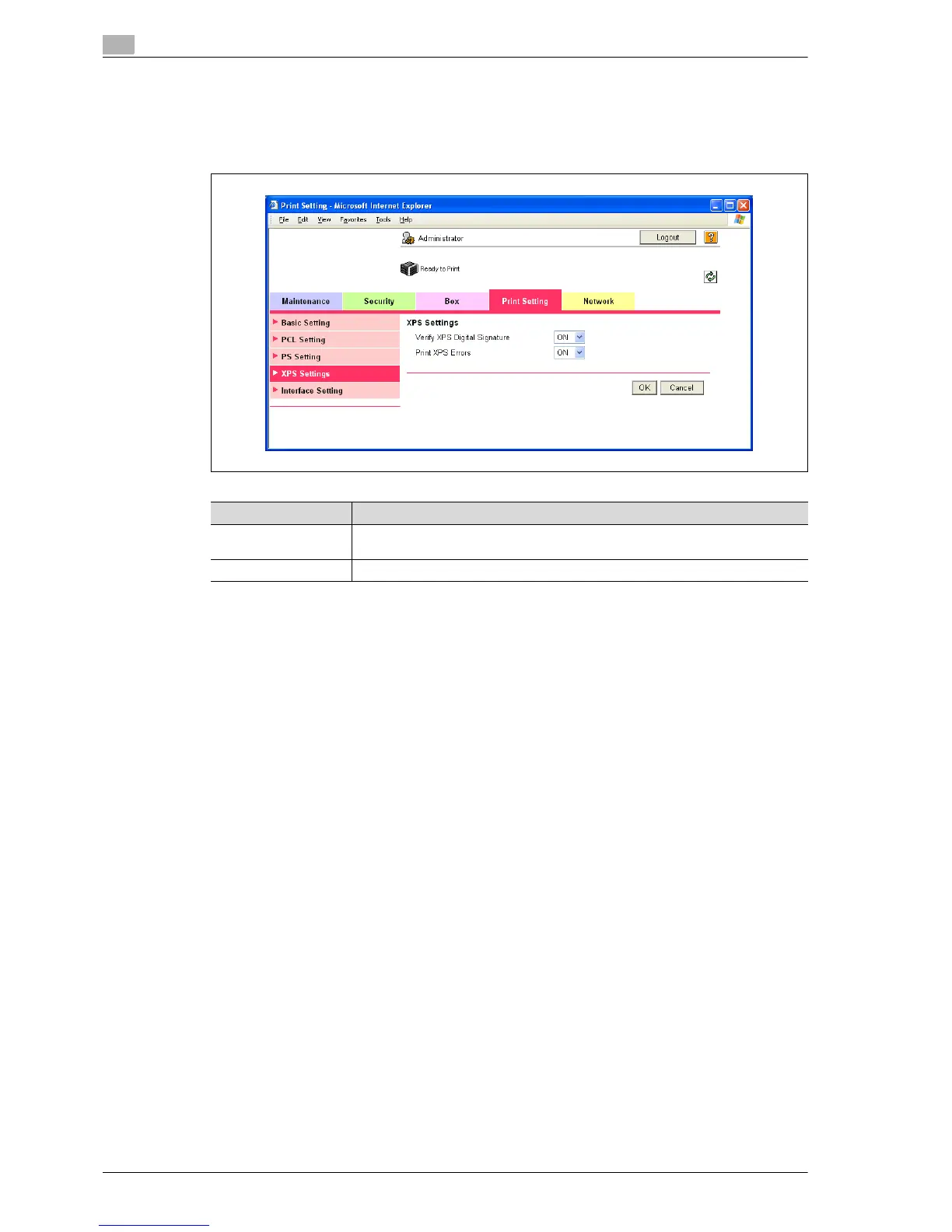
XPS Settings
1 In Administrator mode of PageScope Web Connection, select the Print Setting tab - "XPS Settings".
2 Specify the following settings.
Item Definition
Verify XPS Digital
Signature
Specify whether to verify digital signature. When "ON" is selected, the document
without a valid digital signature is not printed.
Print XPS Errors Specify whether to print error message when an error occurs during XPS print.














 To Next Page