magicolor 8650 8-27
Function detail description
8
For Macintosh OS X
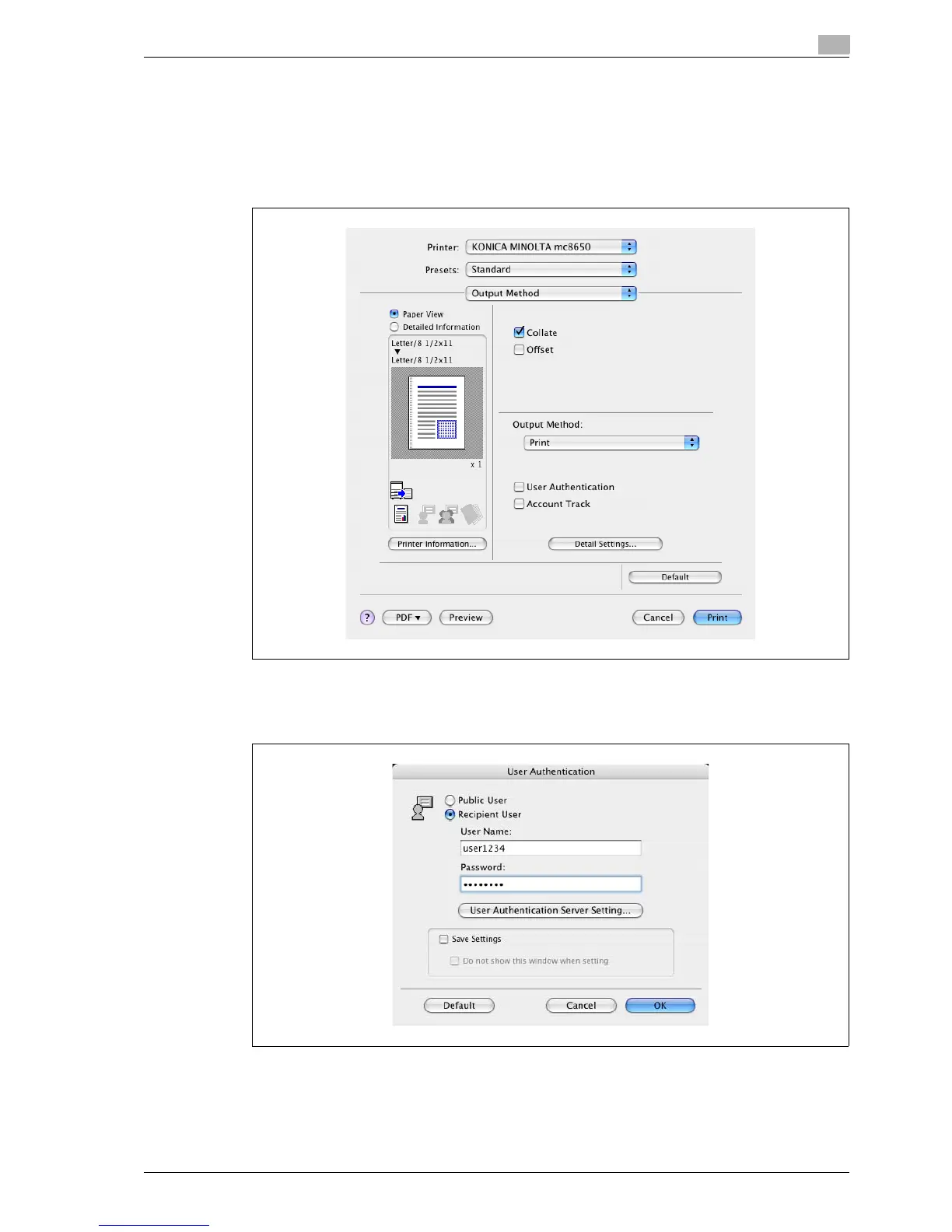
1 In the "File" menu, select "Print".
2 Select "Output Method".
3 Select the "User Authentication" check box.
4 Select "Recipient User", and then enter the user name and password.
– If the machine has been set to permit public users, "Public User" can be selected to access the
machine.














 To Next Page