EasyManua.ls Logo

Konica Minolta magicolor 8650 - Account Track

Konica Minolta magicolor 8650
569 pages
Print Icon
To Next Page IconTo Next Page
To Previous Page IconTo Previous Page
Loading...
2
Before using the machine
2-44 magicolor 8650
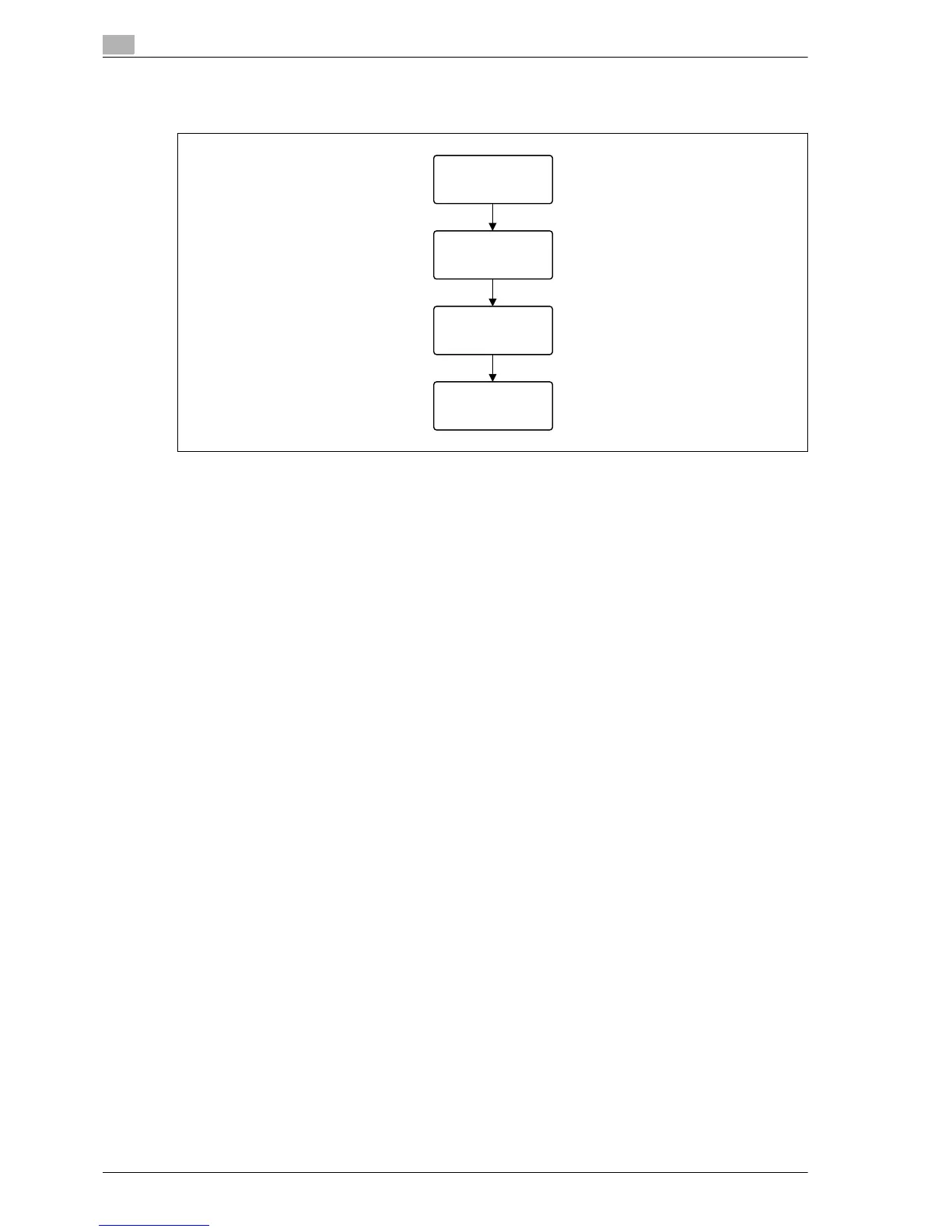
Account track
% Enter the account name and password to log in.
!
Detail
With user authentication, the only boxes that are displayed are those accessible by the user that is
logged on. For details, refer to "Authentication and accessible user boxes" on page 2-45.
If "Prohibit Functions" in [Admin. Settings] is set to "Mode 2" and a user enters an incorrect password
the specified number of times, that user is locked out and can no longer use the machine. Contact the
administrator to cancel operation restrictions.

Job Operation
Enter Account Name
Enter password.
Select Box
EDNord - Istedgade 37A - 900 Aalborg - telefon 9633 3500

Table of Contents

Other manuals for Konica Minolta magicolor 8650

Related product manuals