Maintenance & Supplies 8-13
Maintenance & Supplies
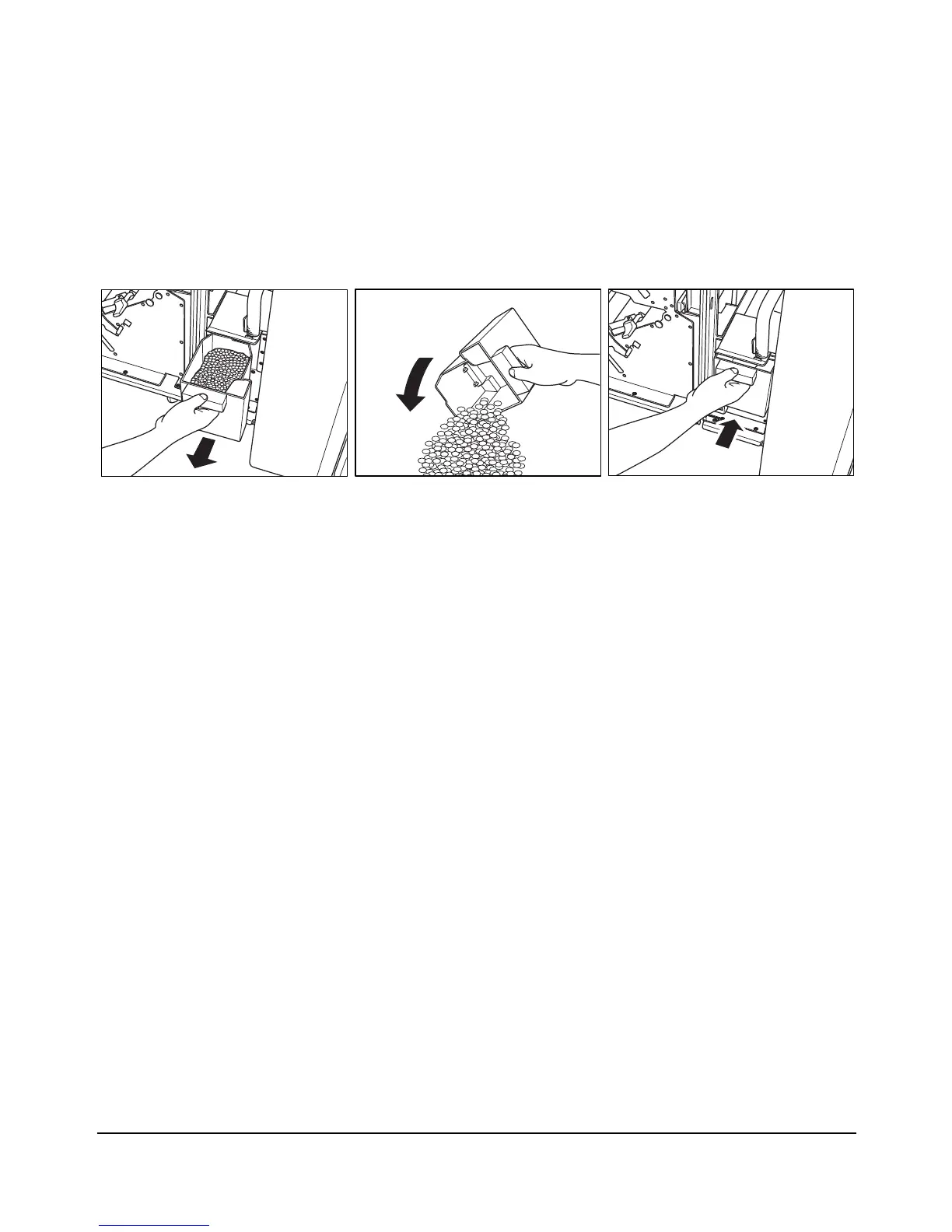
Empty Trash Basket of PZ-108 Punching / Z-Folding Unit
When the trash basket becomes full, “Trash basket of Punching unit is full / Please empty
trash basket” message displays on the touch screen.
1 Open the Punching / Z-Folding unit front door with the Finisher door and withdraw the
trash basket.
2Empty the trash basket.
3 Return the trash basket to its original position, then close the Punching / Z-Folding unit
front door securely.














 To Next Page