Printing Operations 5-15
Printing Operations
Auto Low Power Mode
Auto Low Power mode enables you to conserve energy by maintaining a lower fixing
temperature during periods of printer inactivity.
Auto Low Power mode automatically lowers the power after a specified period of printer
inactivity as specified in the Key Operator mode. The Auto low power function can be set to
5 minutes/ 10 minutes/ 15 minutes/ 30 minutes/ 60 minutes/ 90 minutes/ 120 minutes/ 240
minutes. Initially, the mode is set to function after 15 minutes of printer inactivity. The
[POWER SAVER ON/OFF] LED goes on.
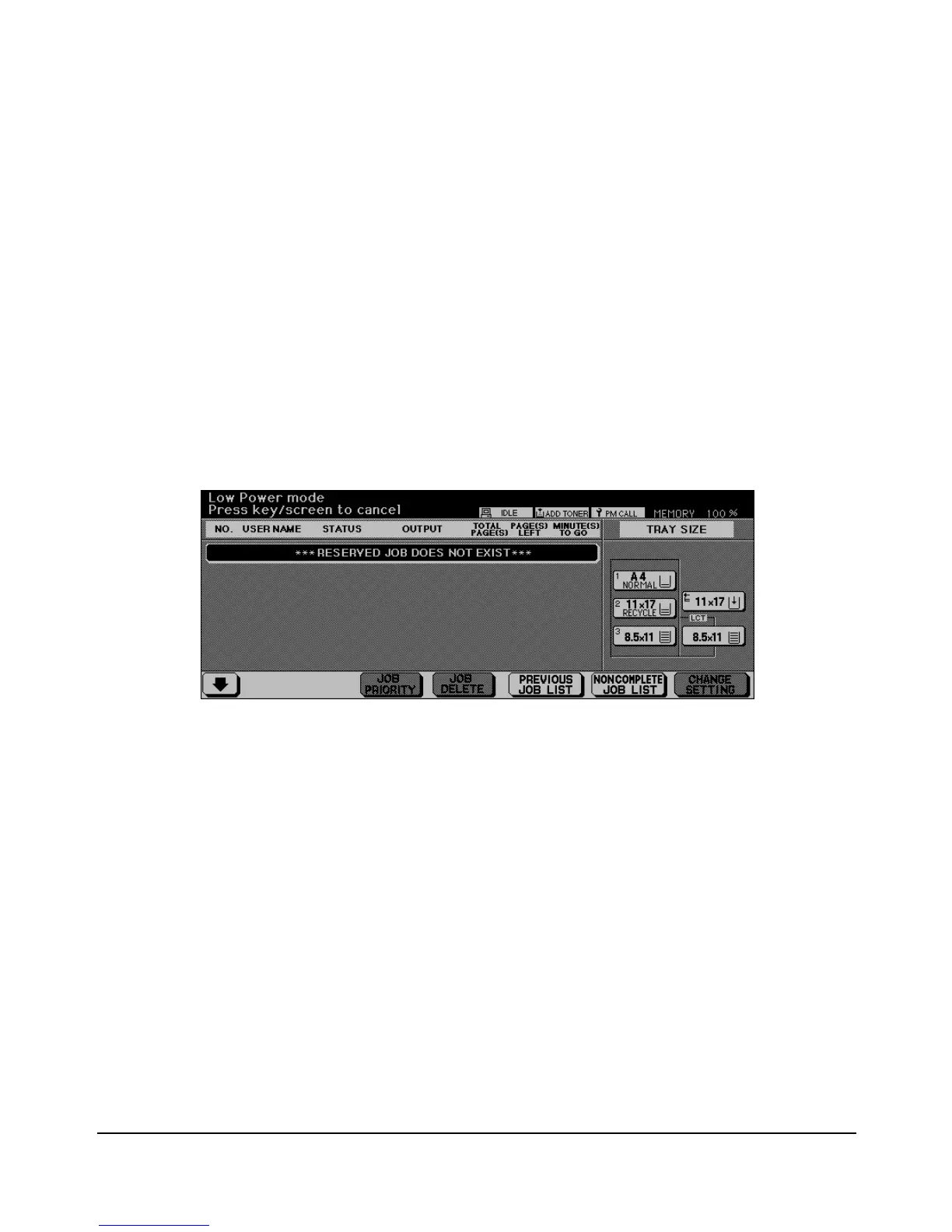
The Low Power Mode Screen is similar to the Reservation List Screen but with darker
backlighting to save energy consumption.














 To Next Page