5-10 Printing Operations
Printing Operations
Previous Job List
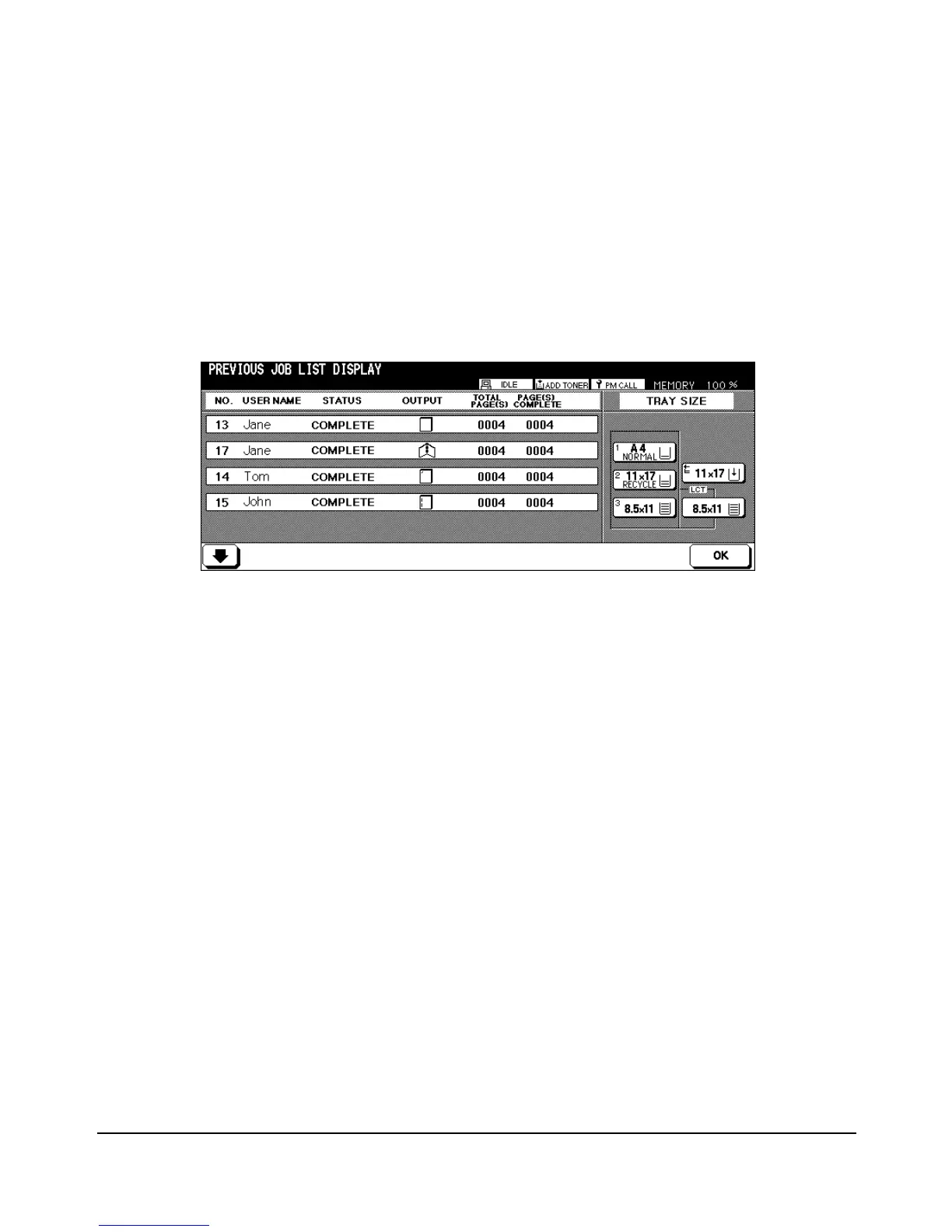
The Previous Job List can be displayed by touching the PREVIOUS JOB LIST key at the
bottom of the screen. The sample below shows that four previous Jobs per screen can be
displayed. If more Jobs are able to be displayed, up and down arrow keys will become
available at the bottom of the screen. Use these keys to scroll back and forth to display a
maximum of sixteen Jobs, four Jobs per screen. When you touch OK, the Reservation List
Screen is displayed.














 To Next Page