System Initial Setting [1] (continued)
9-8 Key Operator Mode
Key Operator Mode
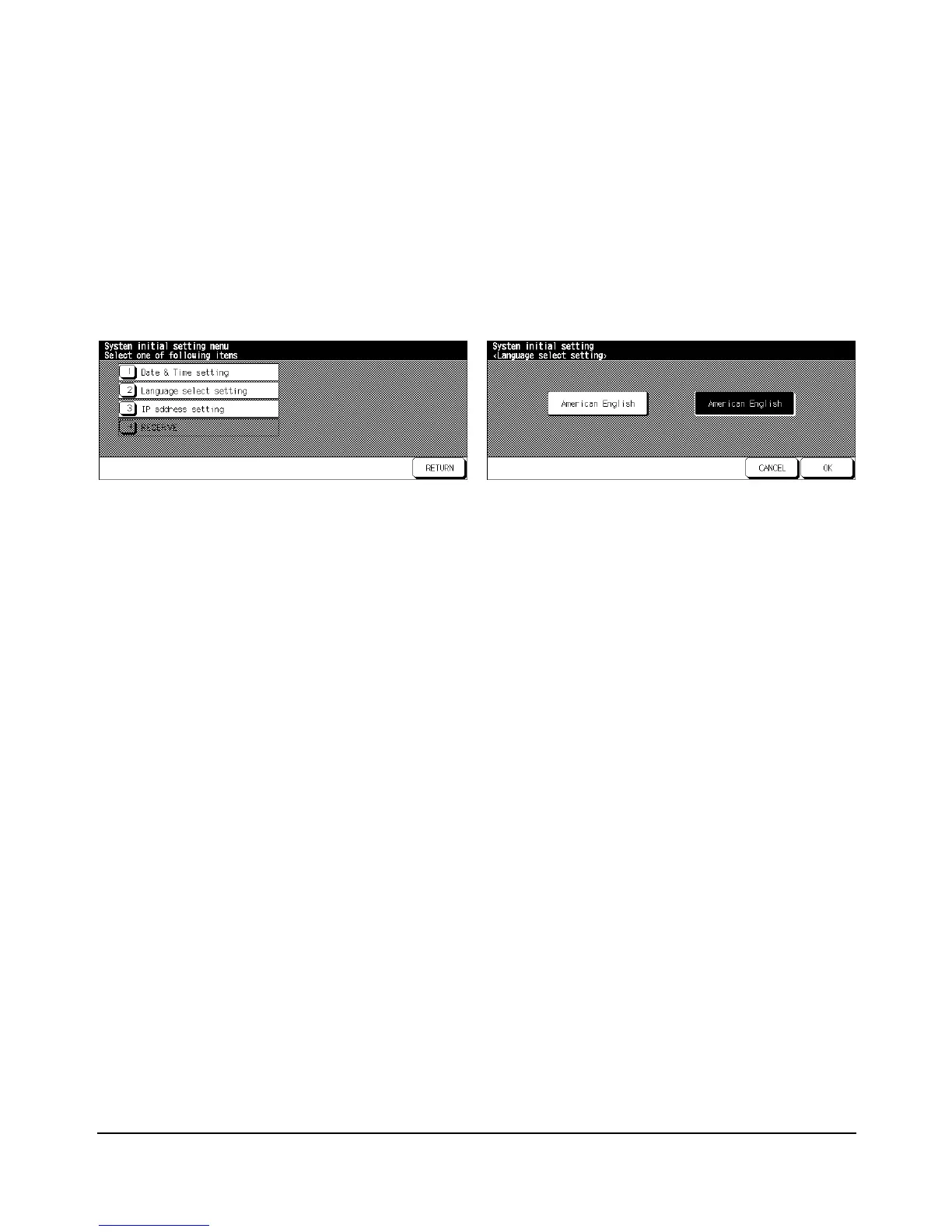
Language Select Setting [2]
Select the language used in the LCD (English).
❒ Default setting: American English
System Initial Setting Menu Screen Language Selection Screen
1 Press [HELP] to display the Help Screen, then touch Key Operator Mode.
Enter the 4-digit Key Operator password, then touch OK to display the Key Operator
Mode Screen.
NOTE: If an invalid password is entered, enter the valid 4-digit password.
2Touch [1] System initial setting to display the System Initial Setting Menu Screen, then
touch [2] Language select setting to display the Language Selection Screen.
3 Select the desired English mode.
4Touch OK to complete the setting and return to the System Initial Setting Menu Screen.
5Touch RETURN to restore the Key Operator Mode Screen.
6Touch RETURN to return to the Basic Screen and perform printing operations.














 To Next Page