6-6 Output Modes
Output Modes
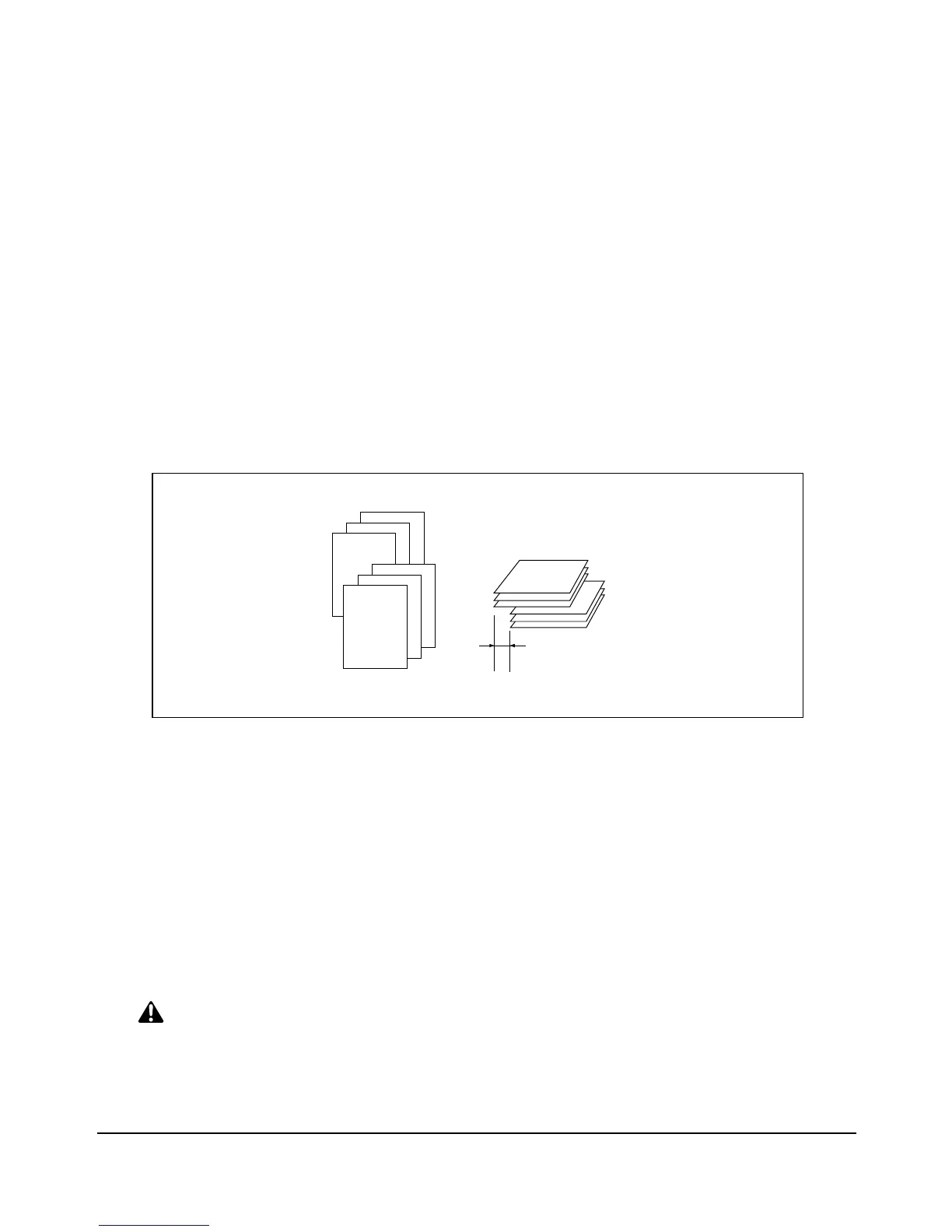
Sort Mode Using Primary (Main) Tray
Use this mode when you want to output multiple prints of the original set, and have each
sorted set offset upon exit. The staple mode can be selected with the sort mode.
With the Primary (main) tray initially selected, FS-110/210 outputs the printed sheets
FACE DOWN in the proper order.
❒ Paper size: 11"x17", 8.5"x14", 8.5"x11", 8.5"x11"R, 5.5"x8.5", 5.5"x8.5"R
❒ Paper capacity for 20 lb: 500 sheets 5.5"x8.5"
3,000 sheets 8.5"x11", 8.5"x11"R (FS-110)
2,500 sheets 8.5"x11", 8.5"x11"R (FS-210)
1,500 sheets 11"x17", 8.5"x14"
CAUTION:
When the selected print quantity exceeds the Finisher’s maximum capacity, remove the printed sheets
while paper is exiting to avoid paper mishandling.
You may also ask your service representative to set the printer to stop printing when the established
capacity is exceeded.
1
2
3
1
2
3
30mm














 To Next Page