Media Information 4-9
Media Information
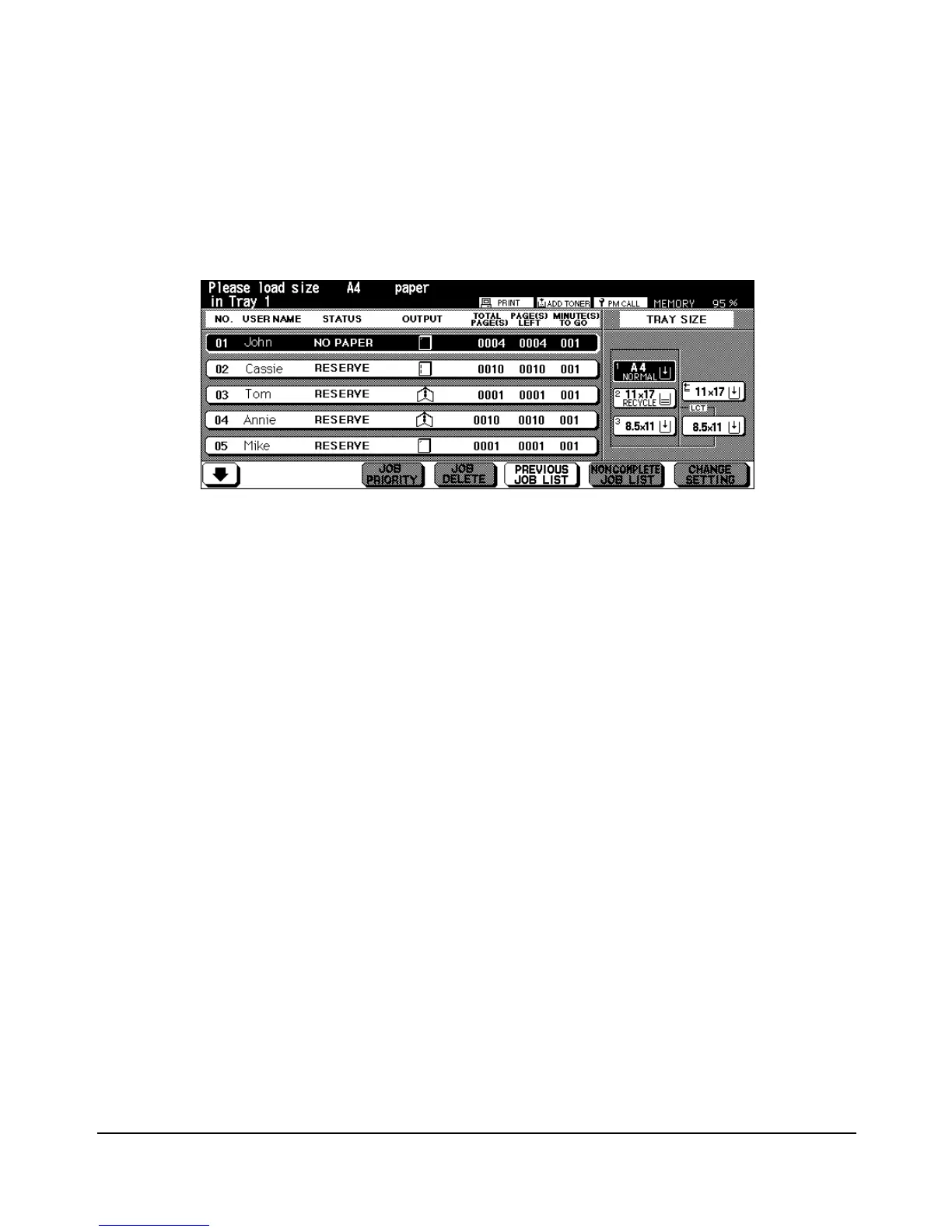
Paper Supply Message
When the paper size specified by the driver is not set in the tray or when paper runs out,
the following message is displayed on the screen.
In addition, the tray size indicator and the paper supply indicator will blink in the Tray size
area of the screen.
The paper types specified for the main body trays and LCT (trays 1/2/3) are set in the Key
Operator mode. The following eleven paper types can be displayed:
Main body trays
[THICK1] [THICK2] [THIN] [TRACE] [USER] [OHP] [TABPAPER]
[NORMAL] [RECYCLE] [COLOR] [SPECIAL] [FINE] [SEAL]
Paper types specified for the Multi-sheet bypass tray are specified by selecting the key on
the Paper Type/Size Selection Screen. The following six paper types can be displayed:
Multi-sheet bypass tray
[THICK] [THIN] [TAB] [OHP] [TRACE] [USER]














 To Next Page