4-8 Media Information
Media Information
PK-110/120 Punching Kit (Option)
Paper Size : 11"x17", 8.5"x11"
Paper Weight : 13 ~ 45 lb*
*Some 45 lb paper types may not be punched easily.
Number of Punch Holes : 3
Hole Diameter : 0.315" ± 0.020" (8.0 mm ± 0.5 mm)
Hole Pitch : 4.253" ± 0.020" (108 mm ± 0.5 mm)
NOTE: Special paper (OHP film, labels, tabbed sheets) cannot be punched. Punching special paper will cause
machine trouble.
PZ-108 Punching / Z-Folding Unit (Option)
Paper Size : Punching mode: 11"x17", 8.5"x11"
Z-Folding mode: 11"x17" (Z-fold), 8.5"x14" (double-fold)
All other paper sizes will be output without Z-fold/double-fold.
Paper Weight : 13 ~ 45 lb*
16 ~ 24 lb for Z-Folding mode
*Some 45 lb paper types may not be punched easily.
(Punch mode)
Number of Punch Holes : 3
Hole Diameter : 0.315" ± 0.020" (8.0 mm ± 0.5 mm)
Hole Pitch : 4.253" ± 0.020" (108 mm ± 0.5 mm)
(Z-Folding mode)
Folded Width: : 215 mm or less for 11"x17"
261.6 mm or less for 8.5"x14"
NOTE: Special paper (OHP film, labels, tabbed sheets) cannot be punched. Punching special paper will cause
machine trouble.
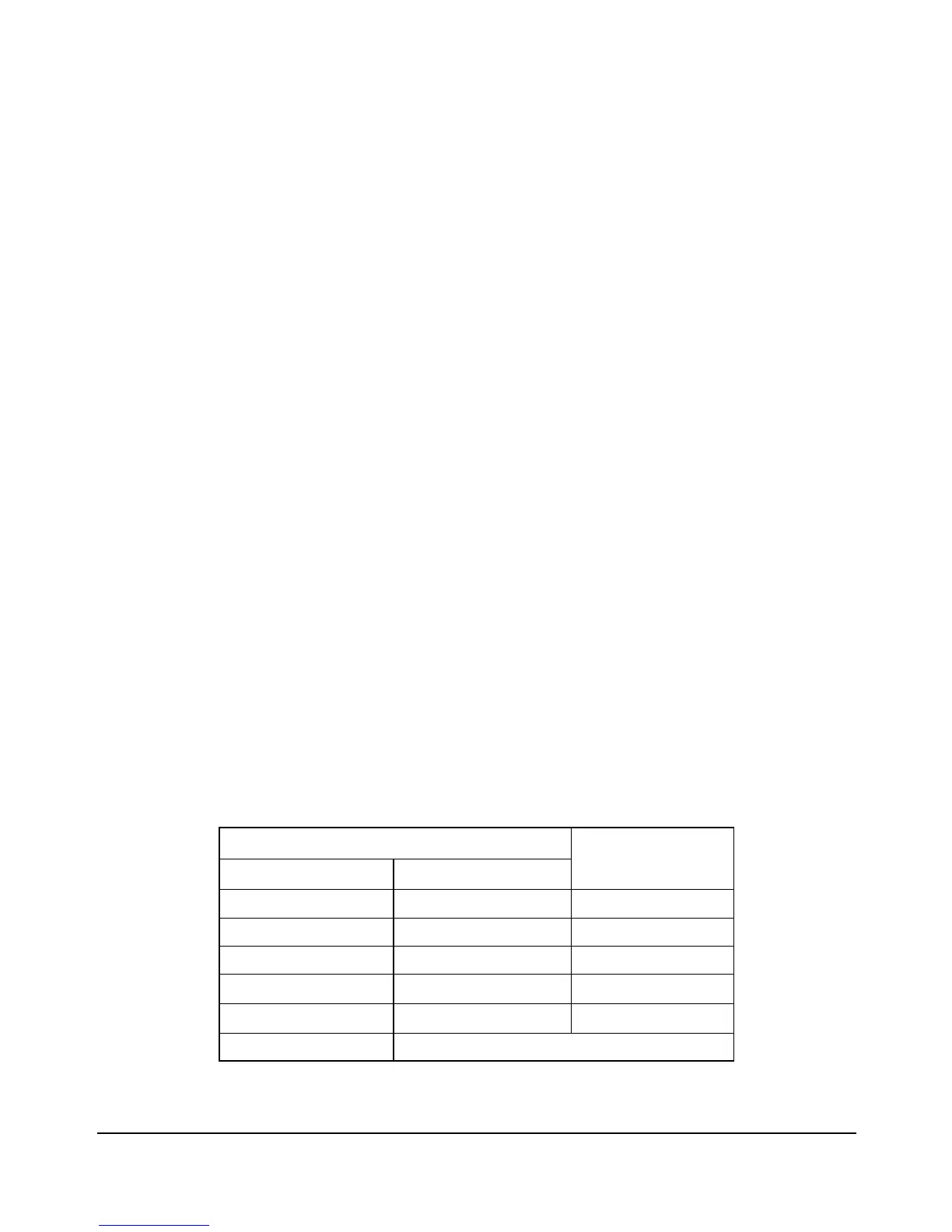
1 sheet
2
3
4
5
6 or more
1 ~ 40 sheets
0 ~ 30
0 ~ 20
0 ~ 10
0
20 stapled sets
10
4
3
2
Primary Tray Capacity
Capacity for one stapled set
Number of Z-folded sheets Number of regular sheets
Staple-Sort is unavailable with Z-Folding.
Capacity for Mixed Size Data
using Z-Folding and Staple-Sort














 To Next Page