5-8 Printing Operations
Printing Operations
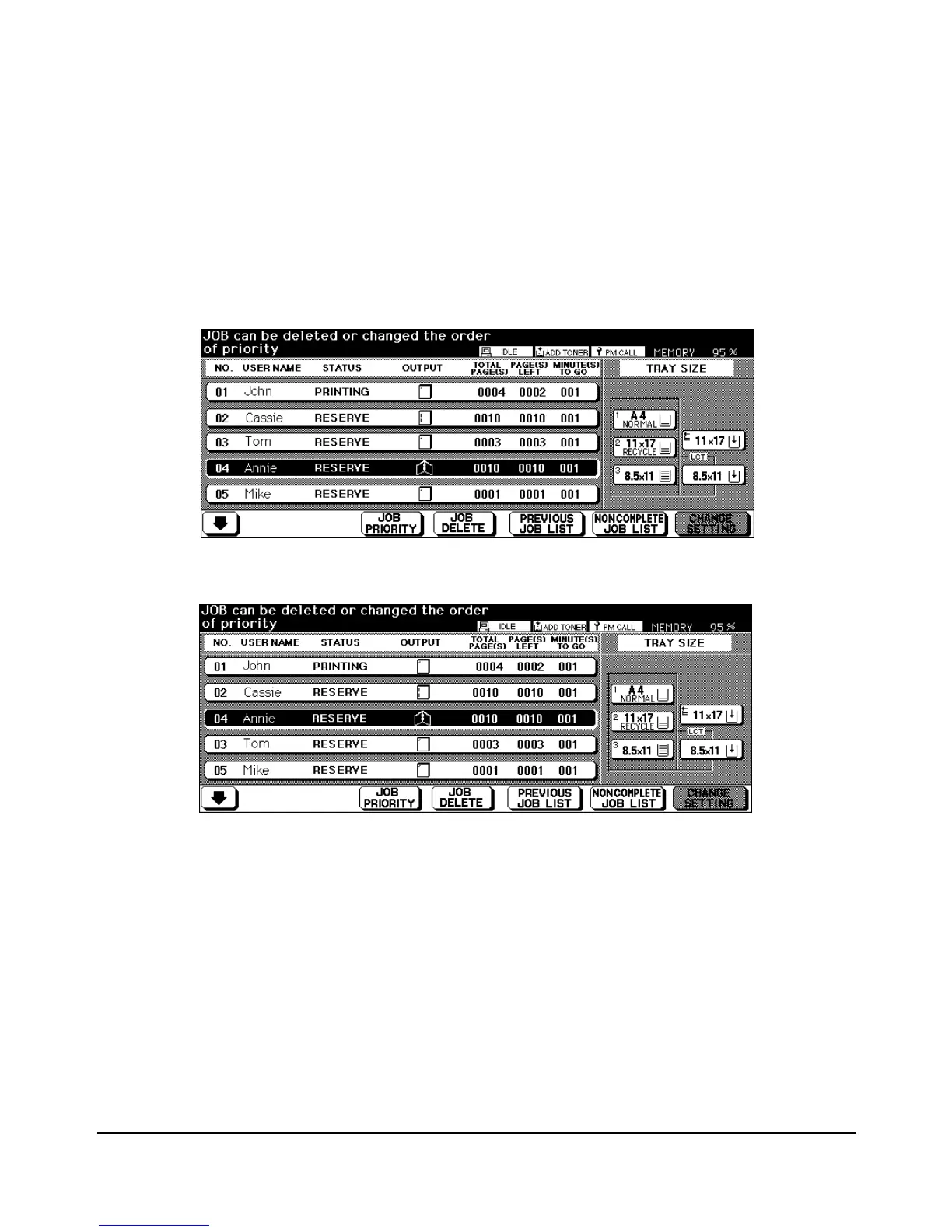
Change Job Order
When a reserved job is listed on the screen, you may select the Status display key to
highlight the job and then touch the JOB PRIORITY key to change the order of priority.
(See screens below.)
Note that it is not possible to change the priority of a job in the process of printing.
Screen without Job Priority change
Screen with Job Priority change














 To Next Page