7-4 Web Utilities
Web Utilities
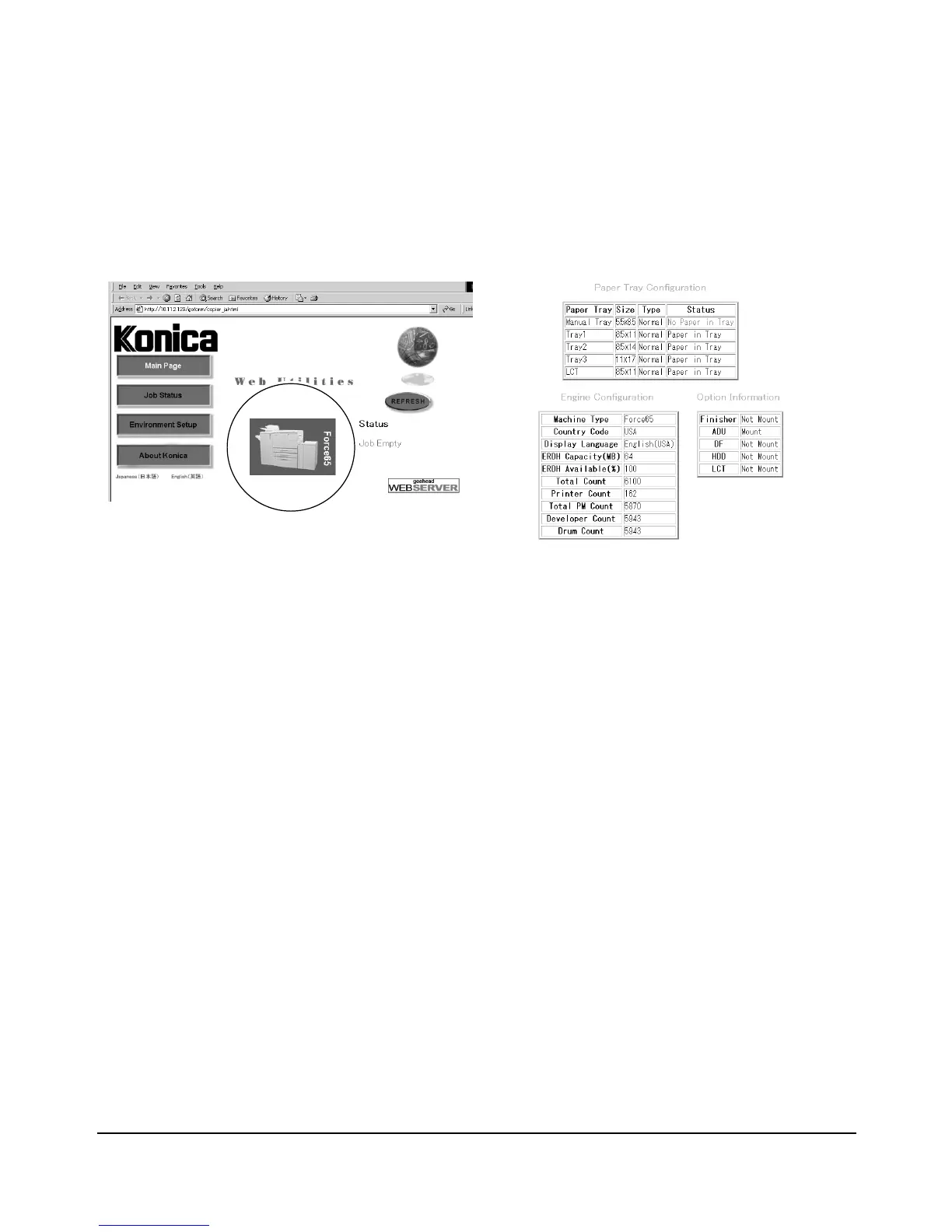
Machine Information Mode
Follow the procedure below to display the machine information using the web browser.
Web Utilities Window
1 Open the Web Utilities window.
NOTE: See p. 7-2 for detailed procedure to access the Web Utilities.
2 Click on the Force 65 image.
The window now provides the paper tray configuration, engine configuration, and option
information.
NOTES: • The same information will be provided also in the Job Status window. See p. 7-5.
• Click on [REFRESH] in the window to update the information.














 To Next Page