Web Utilities 7-3
Web Utilities
To Use Web Utilities (continued)
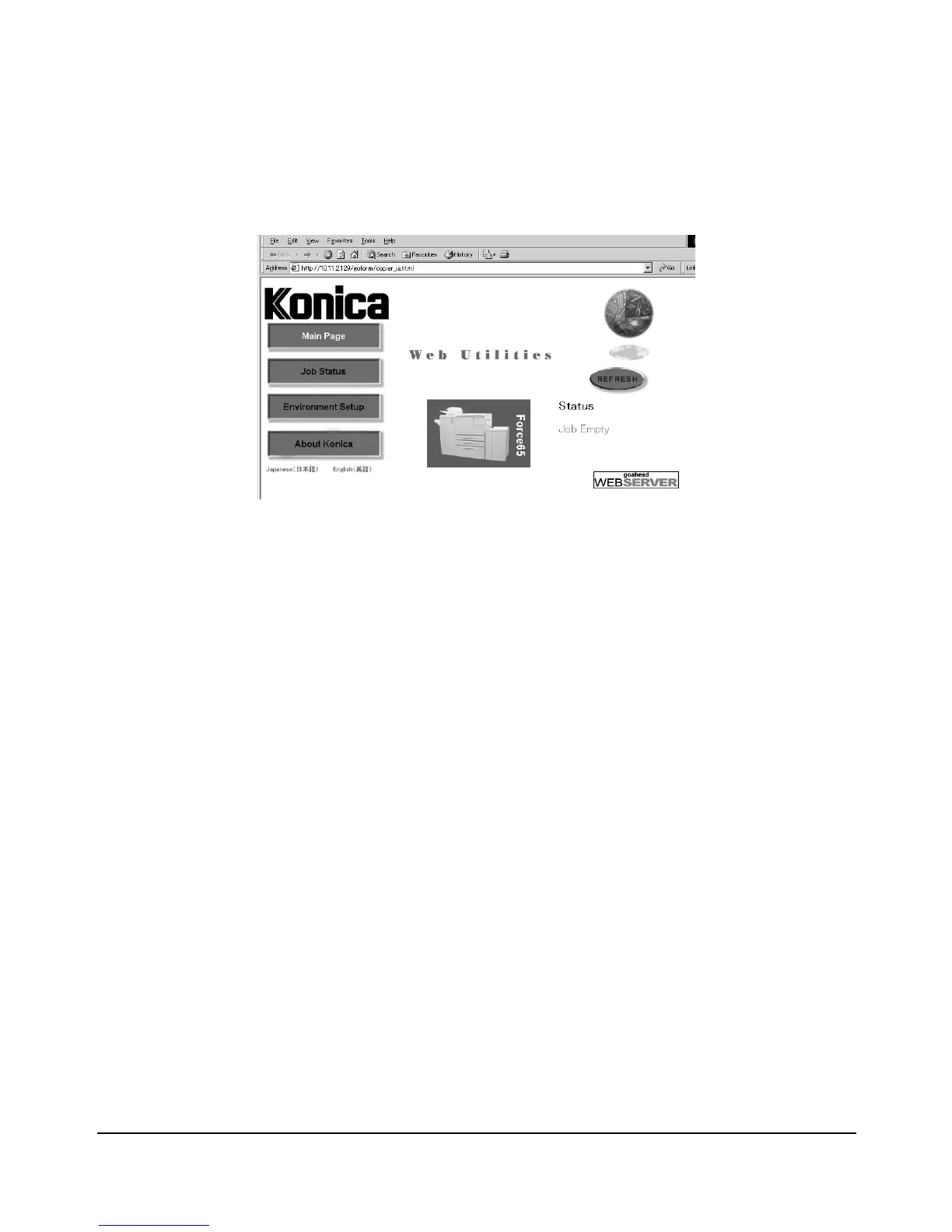
Web Utilities Window
The Main Page informs you of the current job status of the machine and the
maintenance item, if required.
• Service call
•JAM
•Paper supply
•Toner supply
• Staple cartridge supply
• Dispose of Punch trash basket
•PM call
NOTES: Click on [REFRESH] in the Web Utilities window to update the information.














 To Next Page