5-16 Printing Operations
Printing Operations
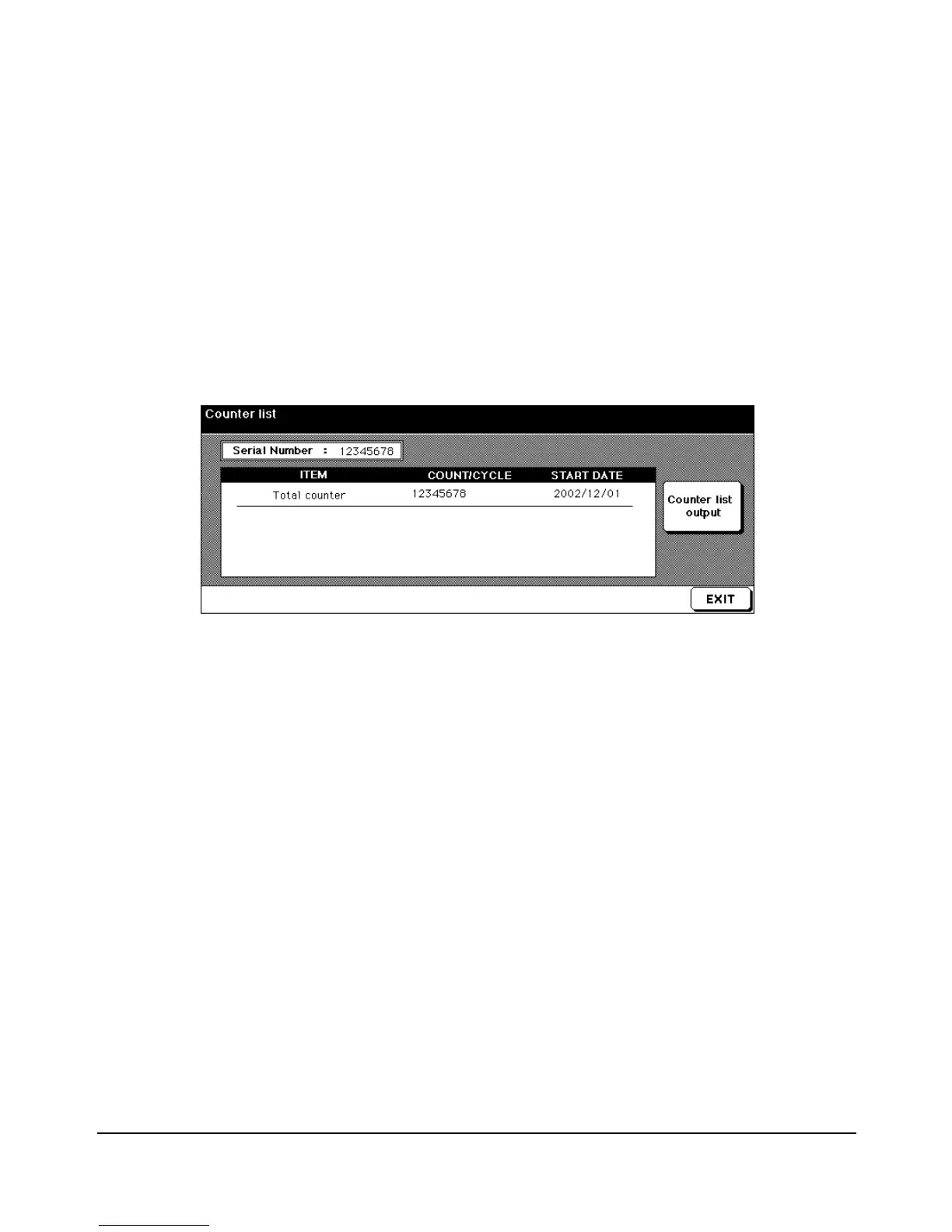
The Counter List
This function allows you to view the current status of items shown on the touch panel, such
as Total Counter and Counter Start Date.
View the Counter List
1To display the Counter List, press [P (COUNTER)].
2 After viewing the Counter List, touch EXIT to return to the Basic Screen.
Print the Counter List
1 Press [P (COUNTER)] to display the Counter List Screen.
2Touch Counter list output. The Basic Screen will be displayed.
3Touch the desired tray key to select the print size.
4 Press [START].
The counter list will be printed out, and the Management list mode will be released.
Counter List Screen














 To Next Page