6-10 Output Modes
Output Modes
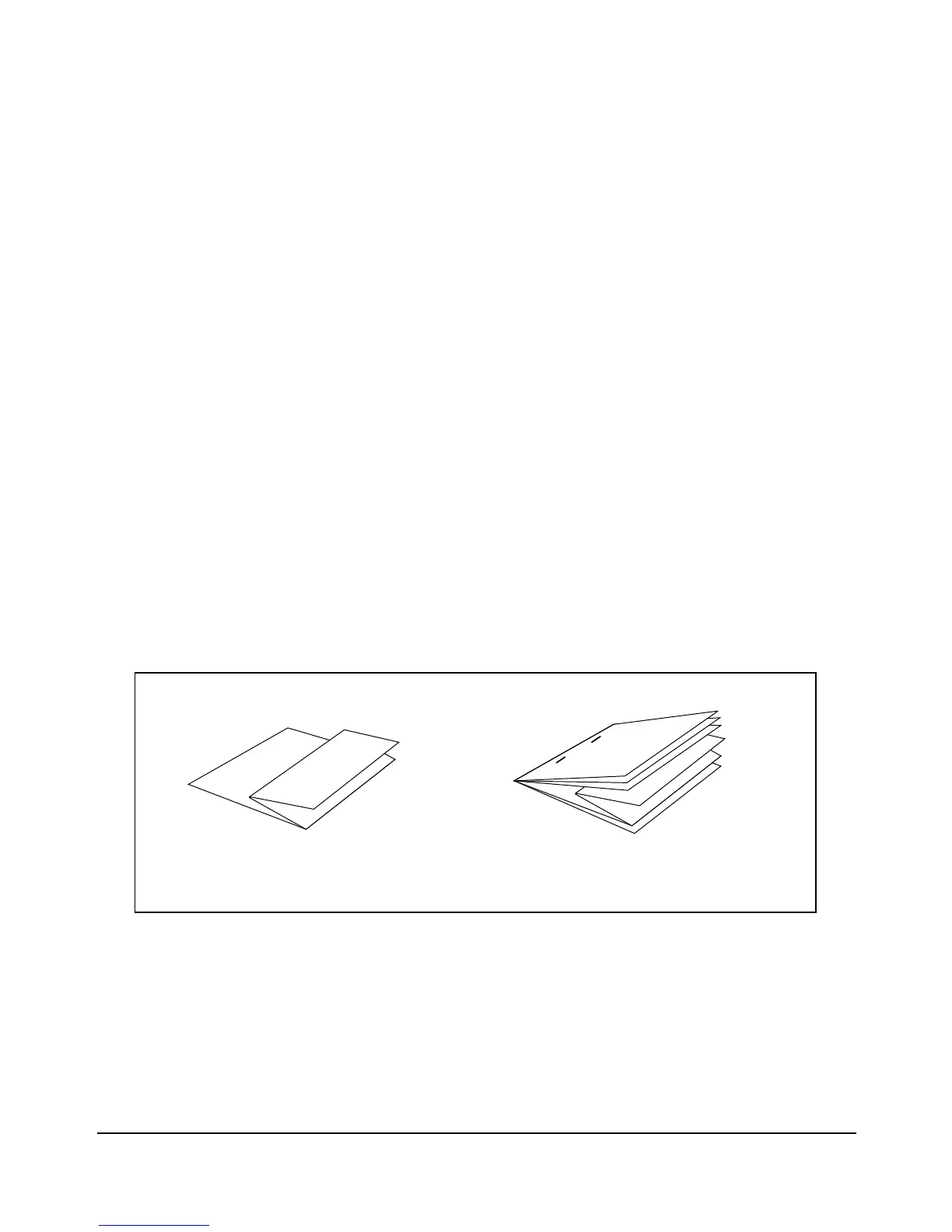
Z-Folding Mode
The Z-Folding mode is available only when the PZ-108 Punching / Z-Folding unit option is
installed on the FS-110/FS-210 Finisher.
When the Z-Folding mode is selected in combination with any of the Primary (main) tray
output modes, the print data is printed on 11"x17"/8.5"x14" print paper and output to the
Primary (main) tray of the finisher according to the selected output mode.
❒ Folding type: Z-folding (11"x17"), double-folding (8.5"x14")
❒ Print paper size: 11"x17", 8.5"x14"
All other paper sizes will be output without Z-fold or double-fold.
❒ Folded width*: 215 mm or less for 11"x17"
261.6 mm or less for 8.5"x14"
*The width from the paper edge to the first folded line
❒ Paper weight: 16~24 lb
❒ Special paper type (Thick 2 transparent films, labels, tabbed sheets) and non-standard size (STD
size (special), Non STD size, Wide paper) cannot be Z-folded.
Using special paper will cause the machine trouble.
Some plain paper types may cause folded line to shift in Z-Folding mode.
❒ When using Z-Folding, Staple-sort and APS for mixed size data, heed the limits on capacity
described p. 4-8.
Z-Folding
Z-Folding + Staple-sort
+ APS with mixed size data














 To Next Page