MX’er SYSTEM
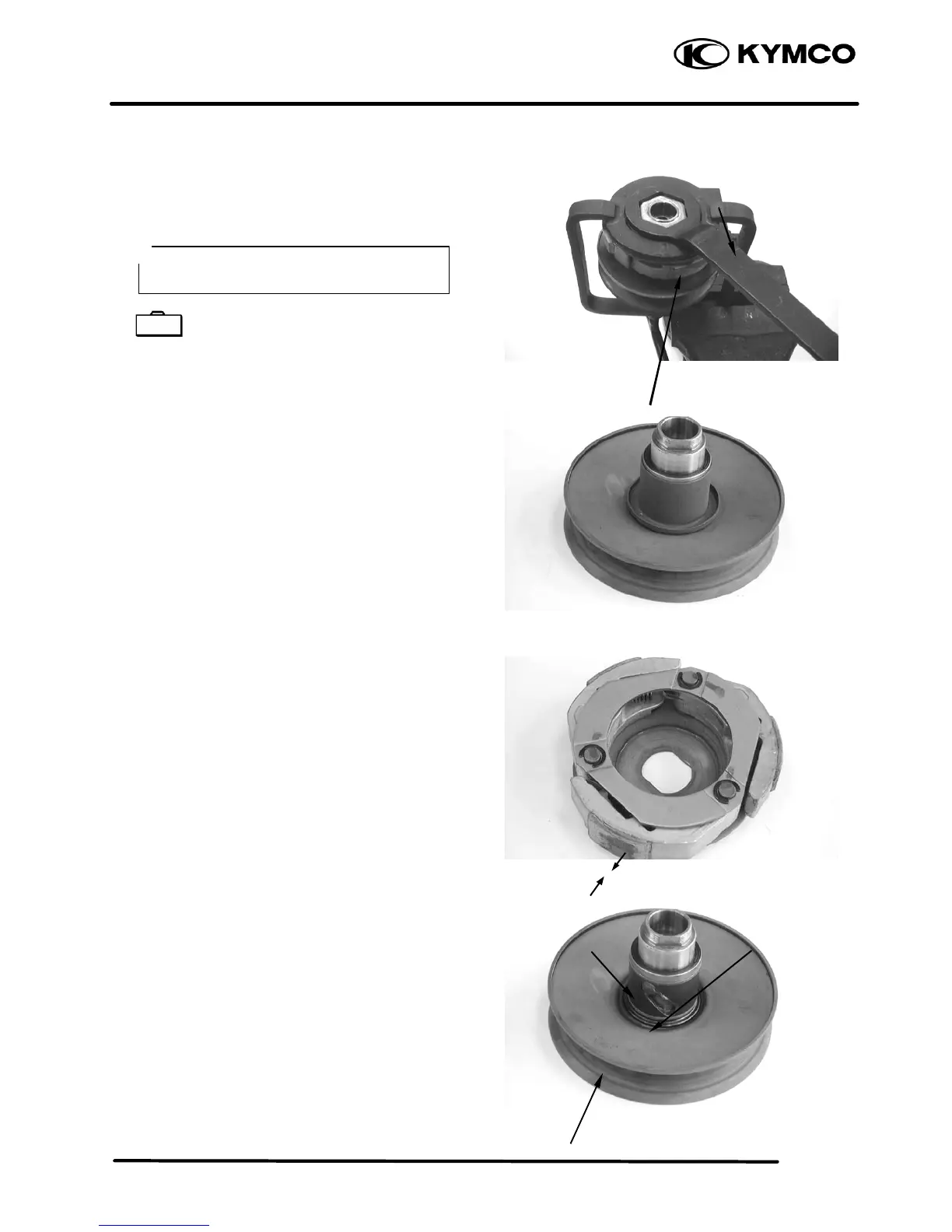
Hold the clutch/driven pulley assembly with the
clutch spring compressor.
Clutch Spring Compressor E027
Set the clutch spring compressor in a vise and
remove the clutch drive plate nut.
Loosen the clutch spring compressor and
disassemble the clutch/driven pulley assembly.
Remove the seal collar.
Check the driven face for wear or damage.
Measure the clutch lining thickness.
Service Limit: 2.0mm replace if below
Pull out the guide roller pins and guide rollers.
Remove the movable driven face from the driven
face.
Clutch Spring Compressor
Guide Roller Pin
Lock Nut Wrench
O-ring
Driven Pulley



 To Next Page