22 Laborie alpHaONE User & Service Manual LBL-01791 [B]
3. Conrmthatthegripperinthepressuresuctionholeisopen,asshowninFigure2-5. If it is not open, the
capsule cannot be used in the examination and must be discarded.
Figure2-5: Verify that Gripper Suction Hole is Open (top)
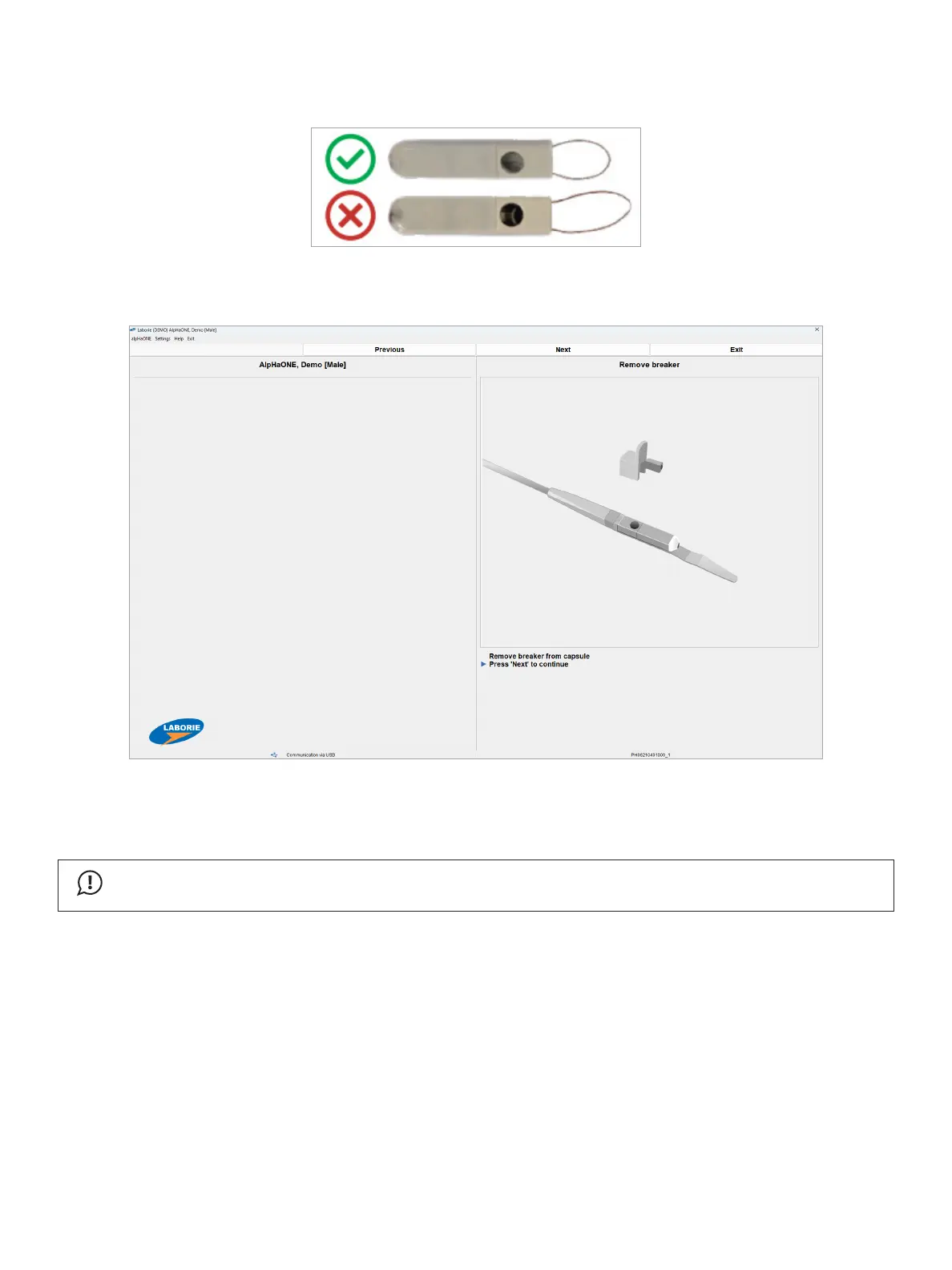
4. When instructed (see Figure2-6),removethebreakerandclickNext to start searching for the capsule
Figure2-6: Starting the Pairing Process
Thecapsule’sLEDindicatorwillbegintoash,signallingthatitisnowinanactivestate,anditbegins
broadcasting a signal that includes an identifying number unique to that capsule.
IMPORTANT
Don’tremovethecapsulebreakeruntilyouarecompletelypreparedtopairitwiththealpHaONErecorder.
5. The alpHaONE will now begin to search for the capsule, as shown in Figure2-7.



 To Next Page