58 Laborie alpHaONE User & Service Manual LBL-01791 [B]
On the Display tab, you can do the following:
•
Set the display of the graphics
•
Set the display of the area of interest
•
Set the display of the diary events
•
Setthedisplayofbackgroundcolorsonoroff
Setting the Display of the Diary Events
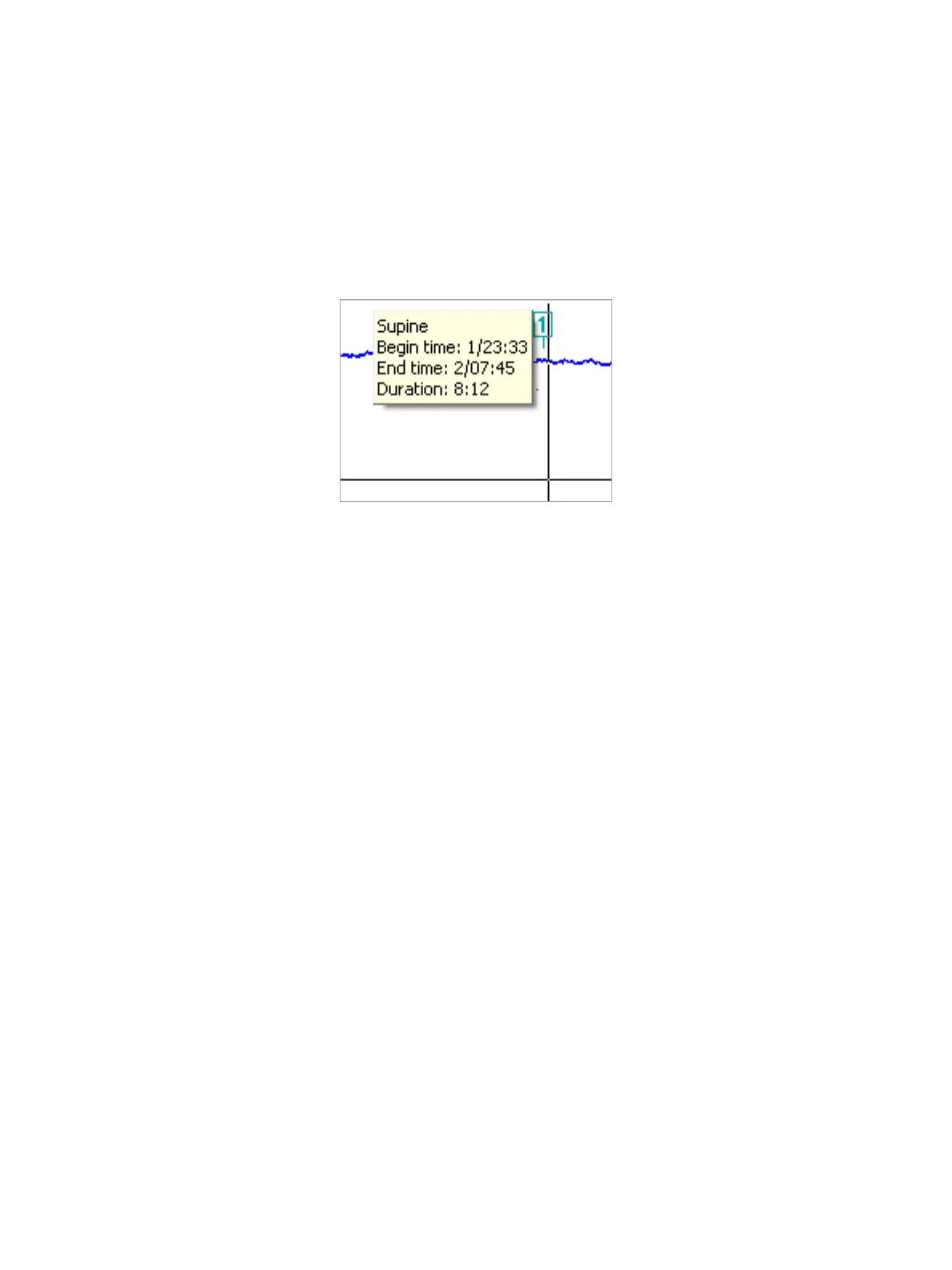
Select the Showeventsasmarkersoptiontodisplaymarkersateachdiaryevent,asdemonstartedinFigure4-24 (the
defaultisoff).Thediaryeventscanbemodiedbymovingthemarkerorbymovingtheeventinthediarybar.
Figure4-24: ShowingDiaryEventsasMarkers
Setting the Display of Background Colors
Thereuxbackgroundcolorisonbydefault.Youcanshowbackgroundcolorsformeals,acidpH,orsymptomsby
selectingthecorrespondingcheckbox.WhenyouselecttheDisplay meal background color option, the graphs in a
mealperiodhaveabackgroundcolor.WhenyouselecttheDisplayacidpHbackgroundcolor option, the pH curve has
abackgroundcolorwhenthepHvalueisbelow4.WhenyouselecttheDisplaysymptombackgroundcoloroption,the
areaofgraphstwominutesbeforeasymptomhasabackgroundcolor.
Whenbackgroundcolorsoverlap,thefollowingorder(ofprecedence)isusedfordisplayingthebackgroundcolors:
•
Artifact
•
Meal
•
Symptom
•
AcidpH
Example: When the artifact period and meal period overlap, the color for artifacts is displayed in the overlapping area.
Colors Tab
Tochangethebackgroundcolorsofthemeals,symptoms,acidpH,orreuxes,selecttheColors tab (see
Figure4-25).
For instance, choose Reuxfromthedrop-downlistontheleft.Youcanchoosethebackgroundcolorforreuxinthe
drop-down list on the right.



 To Next Page