Placing Originals
19
2
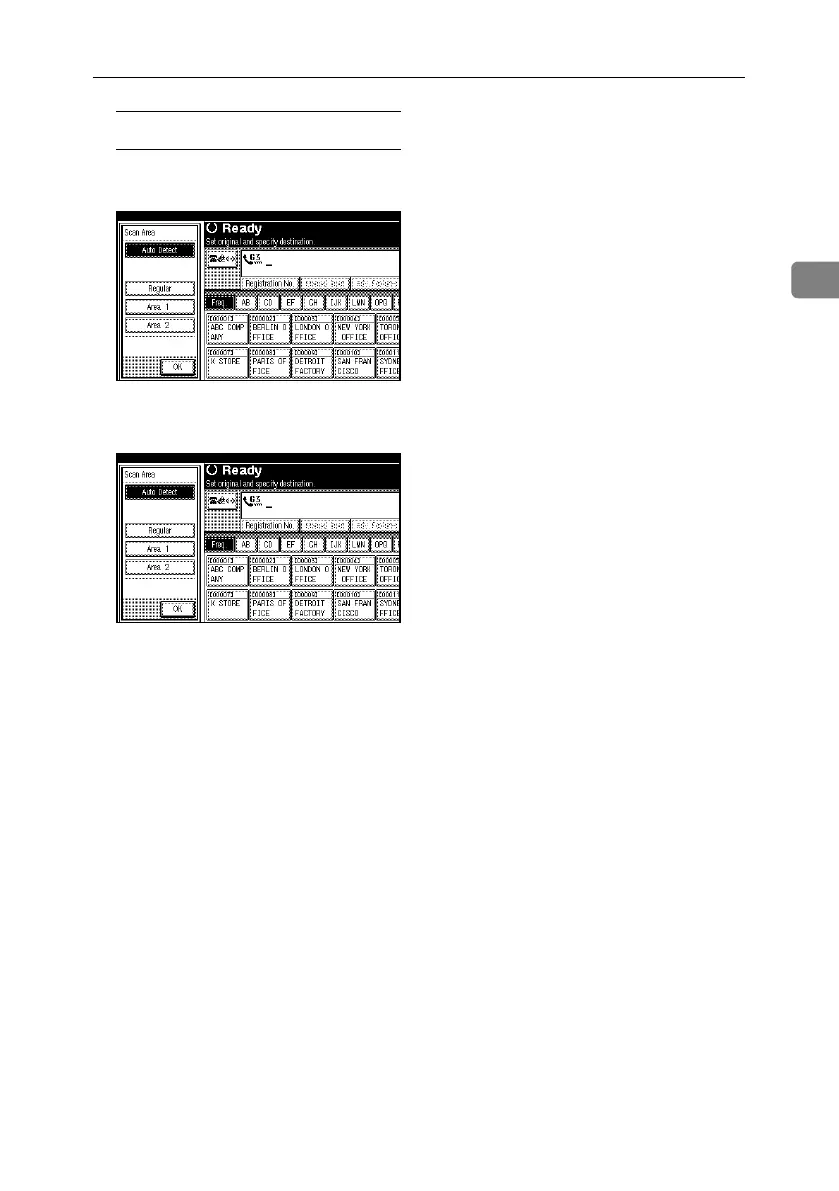
Specifying Auto Detect
A Make sure that [Auto Detect] is
selected.
If it is not, press [Auto Detect].
B Press [OK].
“Auto Detect” is shown above
[Scan Area].
D Specify a destination and press the
{Start} key.
RussianC4-EN_Combine-F_FM.book Page 19 Wednesday, April 27, 2005 2:01 PM



 To Next Page