5.3 Button Instruction
During mechanical movement of the machine frame, UC arm movement, SID
increment/decrement movement, UC arm rotation and detector rotation movement are
electrically controlled, and all control buttons are located on the control panel. Rotation of
tube assembly is manually control, with the rotation range: -90 ° ~ 90 °.
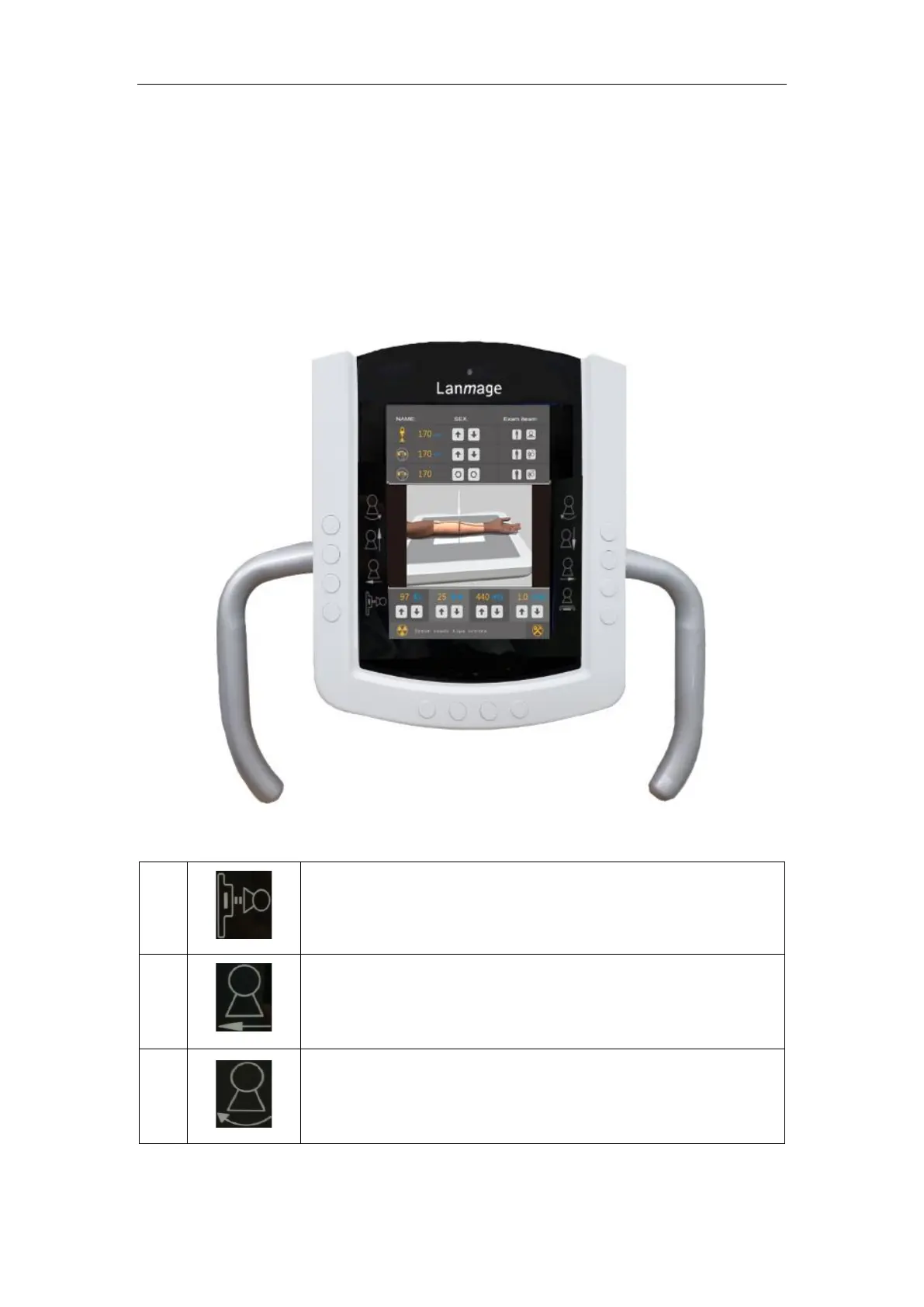
The control panel assembly is designed with dual control of thin-film buttons and
touch-screen buttons, as shown below:
Figure 5-2 Diagram of control panel
Automatic key of Chest-film 1.0m Position. The equipment will
move to 1.0m chest position automatically when this button is
pressed.
SID decrease button. Press this button and hold to decrease SID
value and the movement will stop when this button is released.
Control button for UC arm rotation movement. Press this button
and hold to rotate UC arm in a clockwise direction.



 To Next Page