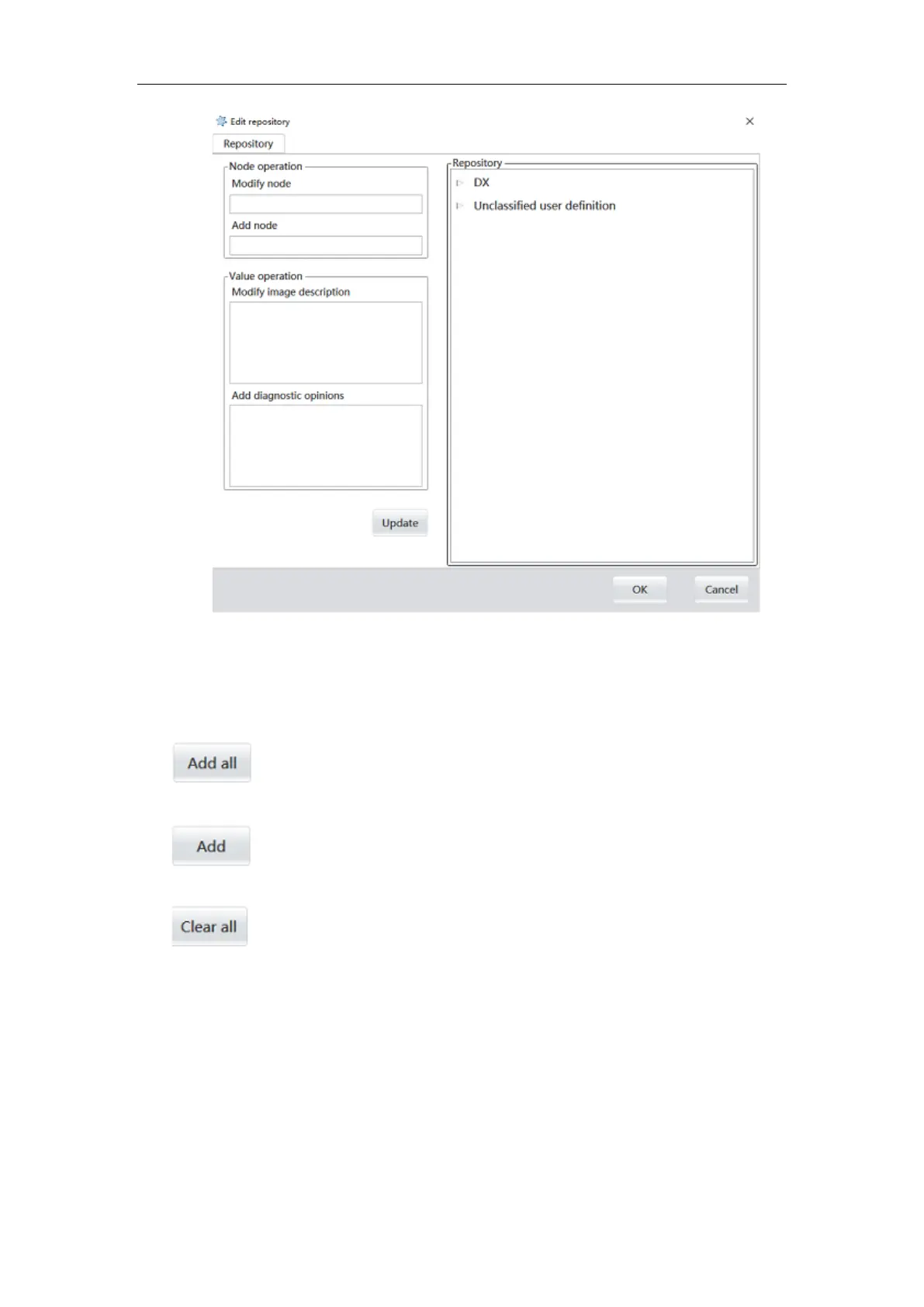
Figure 6-16
6.8.3 Image list area
Image list area: displays all images taken by the current patient.
Function button
:
:
lick this button to add all the images to the image collection area of the
report, and the images will be printed together with the report.
:
select an image, the image will be inserted into the report collection image
area; Double-click on the image to be added, and the image will be added to the report.
:
click this button to delete all images that have been added to the report
collection area.
6.8.4 Print setting area
Template configuration: report template design process, according to work habits to
complete the report layout display content update and typesetting.
Printer configuration: select the printer according to the actual needs.



 To Next Page