6600 Product manual
Operator Manual
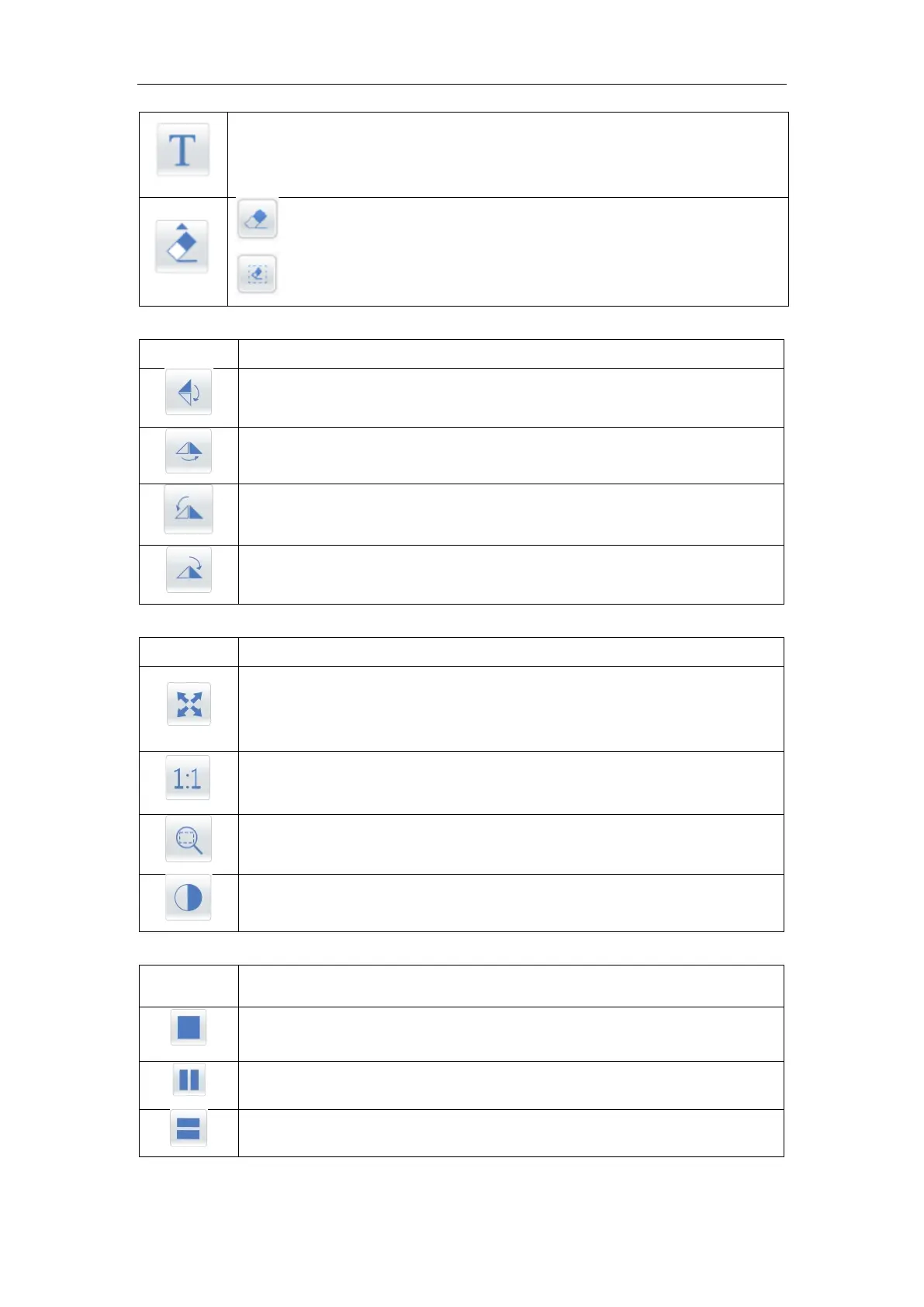
Operating method: click the icon and click the region required to be marked
on the image, finally input the character required to be marked in the text
input.
Delete all
;
click the button after selecting the content required to be deleted.
Flip up and down: click the icon to flip the image up and down.
Flip left and right: click the icon, and the image will be flipped left and right.
Rotate -90 ° : click on the icon, image clockwise rotate -90 °
Rotate 90 ° : click on the icon, image clockwise rotate 90 °
Best for images: select the image, then click the icon, and automatically
select the zoom scale according to the window size to make the image
complete and maximum display in the window
Actual size: display the image according to actual size; Image zooming in
and out can be achieved by mouse wheel
Local zoom: click on this icon to zoom in on the image
Image white: the image is flipped in black and white
The image display area shows the layout is 1X1
The image display area shows the layout is 2X1
The image display area shows the layout is 1X2



 To Next Page