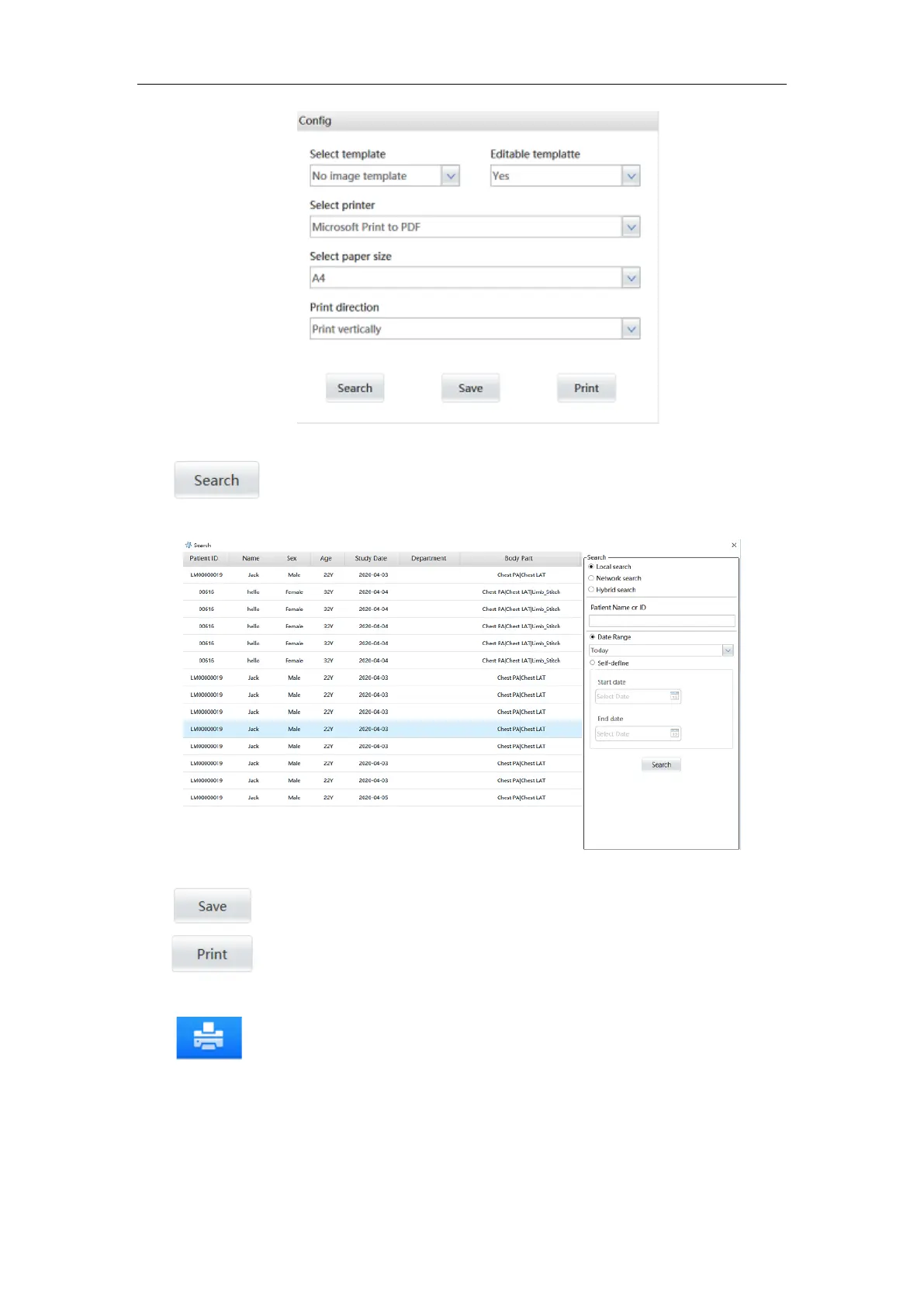
Figure 6-17
:
Click the button to pop up the report query interface, and input the time
range or patient name to query all the saved diagnostic reports.
Figure 6-18
:
Save the diagnostic report.
:
print the diagnostic report.
6.9 Film Printing
:Image printing. Click the button in the image preview area of the check
management interface or in the view management interface to enter the film printing
interface.



 To Next Page