burning.
6.1.6 User access control
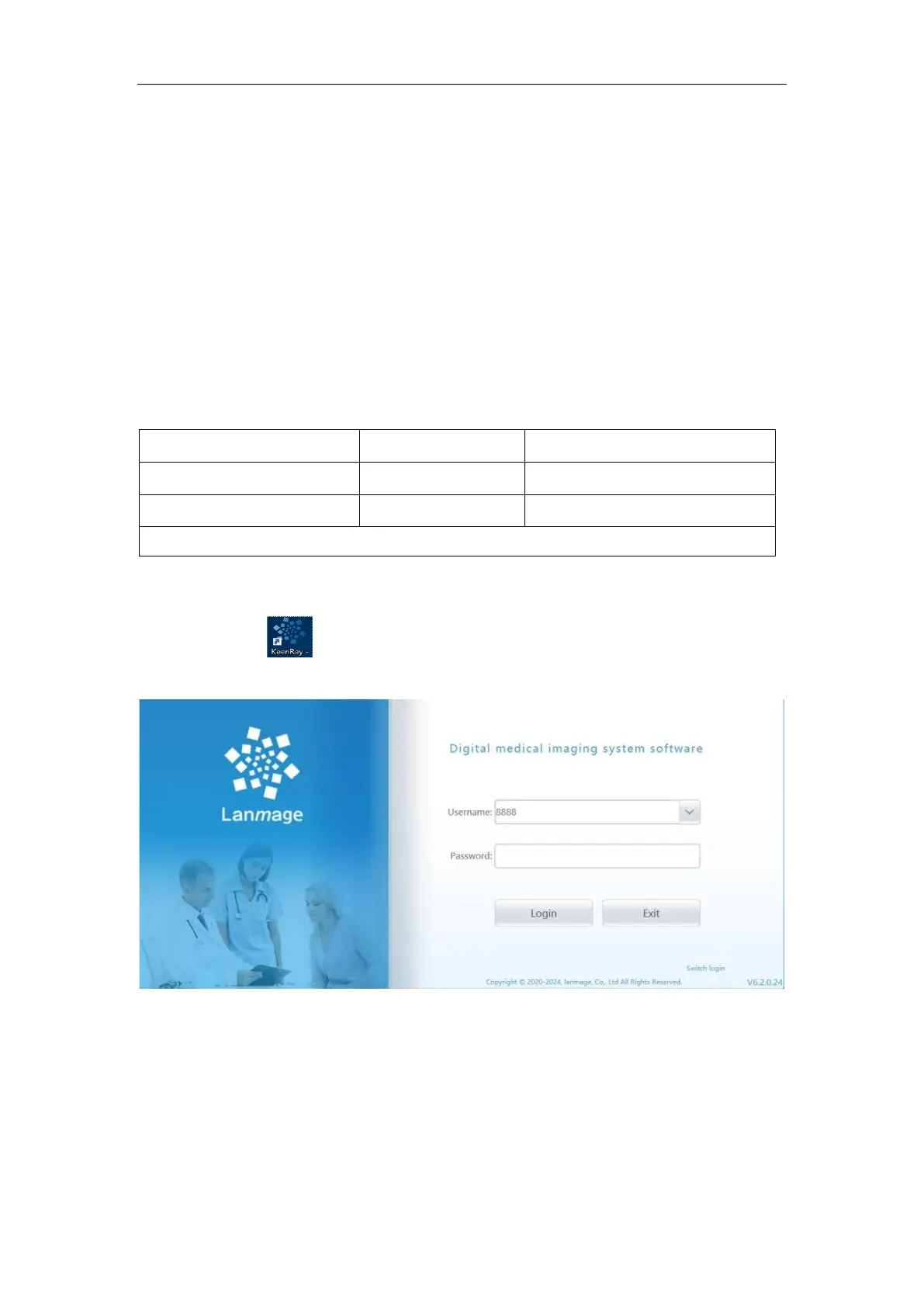
A) Use the mouse to select the icon on the desktop or to select the program to run
from start. Enter the user name and password and "log in" to select the next step.
B) The software user has three types of privileges: super user, administrator and
ordinary user, among which: super user has all operating privileges and can manage both
the administrator user and ordinary user; The administrator user can have all the rights
except to exit the software and enter the Windows system, and can manage ordinary users.
Ordinary users have all rights except system management, check management, user
management and exit software to enter Windows system.
6.2 Software operation steps
6.3 Software login
Check whether the dongle is inserted in the USB port or not.
Double click Icon on desktop of the computer to run the control software, enter
the login screen
:
Figure 6-1
Version
:
6.0.0.0
:
Software version information, for convenient upgrade and maintain;
6.3.1 Login information
Input correct user ID or select an existing login account form Pull-down menu, then
enter the current account and password;



 To Next Page