rotate the emergency stop switch so that it pops up, then click the ON key on the top of
electric cabinet, the system will re-power, and the touch screen will reboot.
WARNING: Confirm x-ray tube assembly and collimator cannot run into patient
or other object when making mechanical movement.
NOTE: When a failure or emergency occurs during the course of automatic
operation of under-table position, for example, the Emergency Stop switch
cannot be touched; the power of the frame can be cut off through the Emergency
Stop switch on the top of the column electric cabinet, so as to play a protective
role.
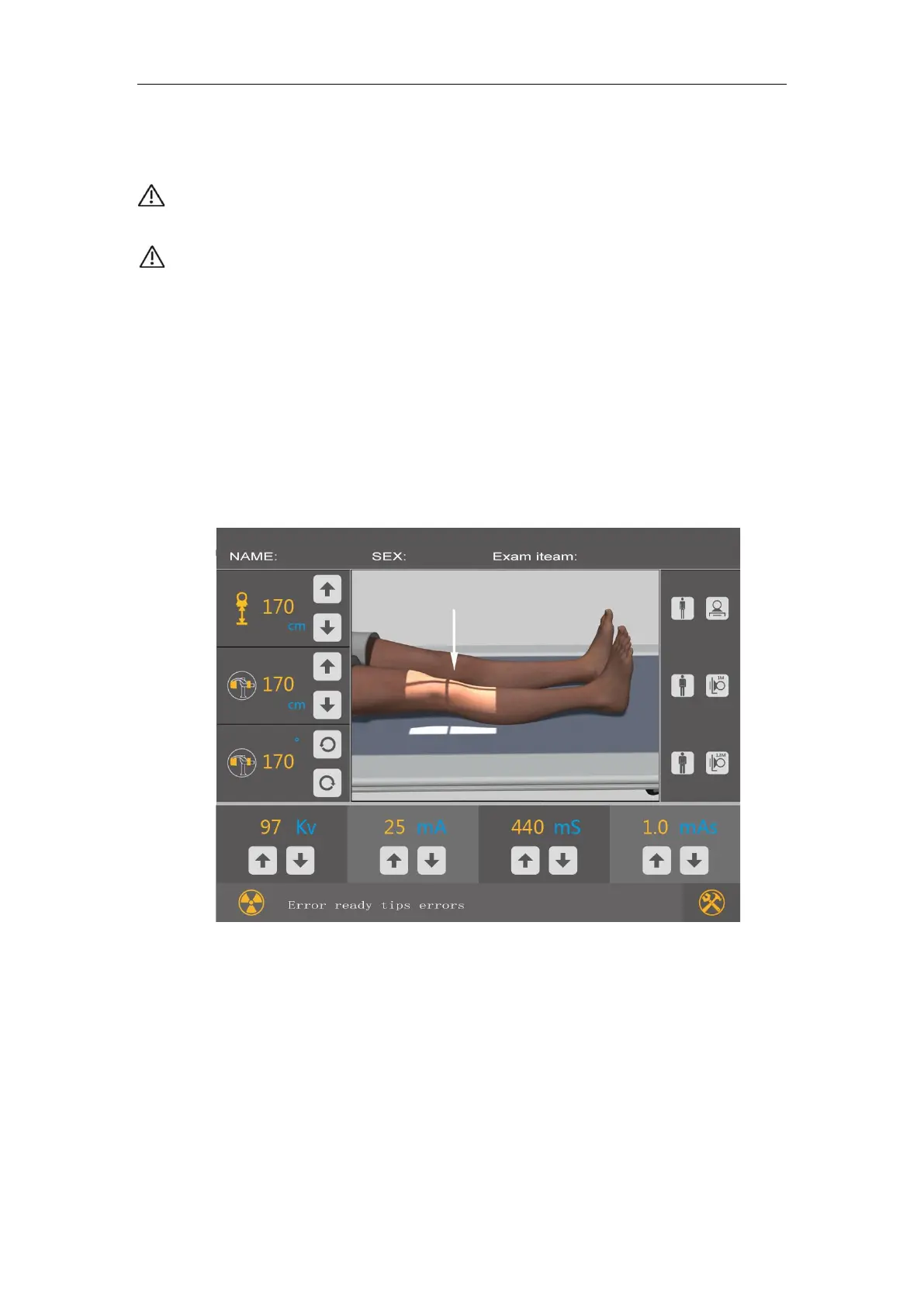
5.4.6 Touch Screen
In addition to thin-film buttons, the control panel of the frame is also using a touch
screen design. Touch screen is shown as Figure 4-8 and the detail can refer to of the
operation instruction of thin-film button.
FIG.5-3



 To Next Page