6.7.2 Function button area
6.7.2.1 Modify
: click the button to modify the historical patient registration information,
and the modify information dialog box pops up. As shown in the figure below, only the
patient information registered locally can be modified. Not locally enrolled patients, this
function button is grayed out
6.7.2.2 Delete
:
click the button to delete the selected record. After selecting a record,
click the button and a delete confirmation box will pop up. As shown in the figure below,
the record will be deleted if confirmed, and the selected record will be deleted if
cancelled, which supports batch deletion.
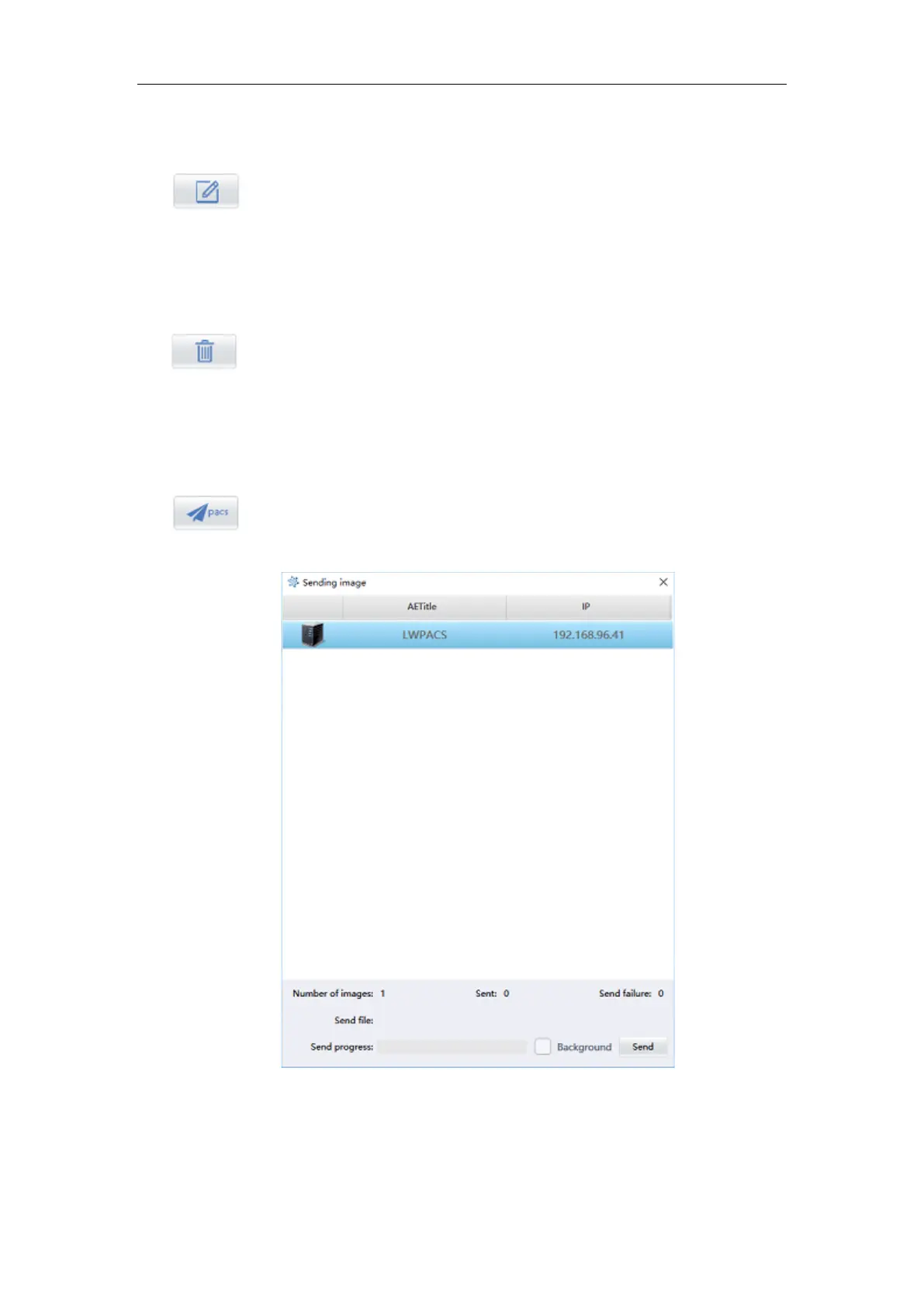
6.7.2.3 Send
:
select a history and click the button to enter the image sending
interface. The diagram below
Figure 6-13



 To Next Page