6600 Product manual
Operator Manual
Send the image to the workstation
click the button to save the image
click the button to pop up the "refuse reason" dialog box, confirm the "reject
reason" selection box, reject the image, and return to the History interface
Auto WL: restore the image to the window width window bit automatically
calculated by the software
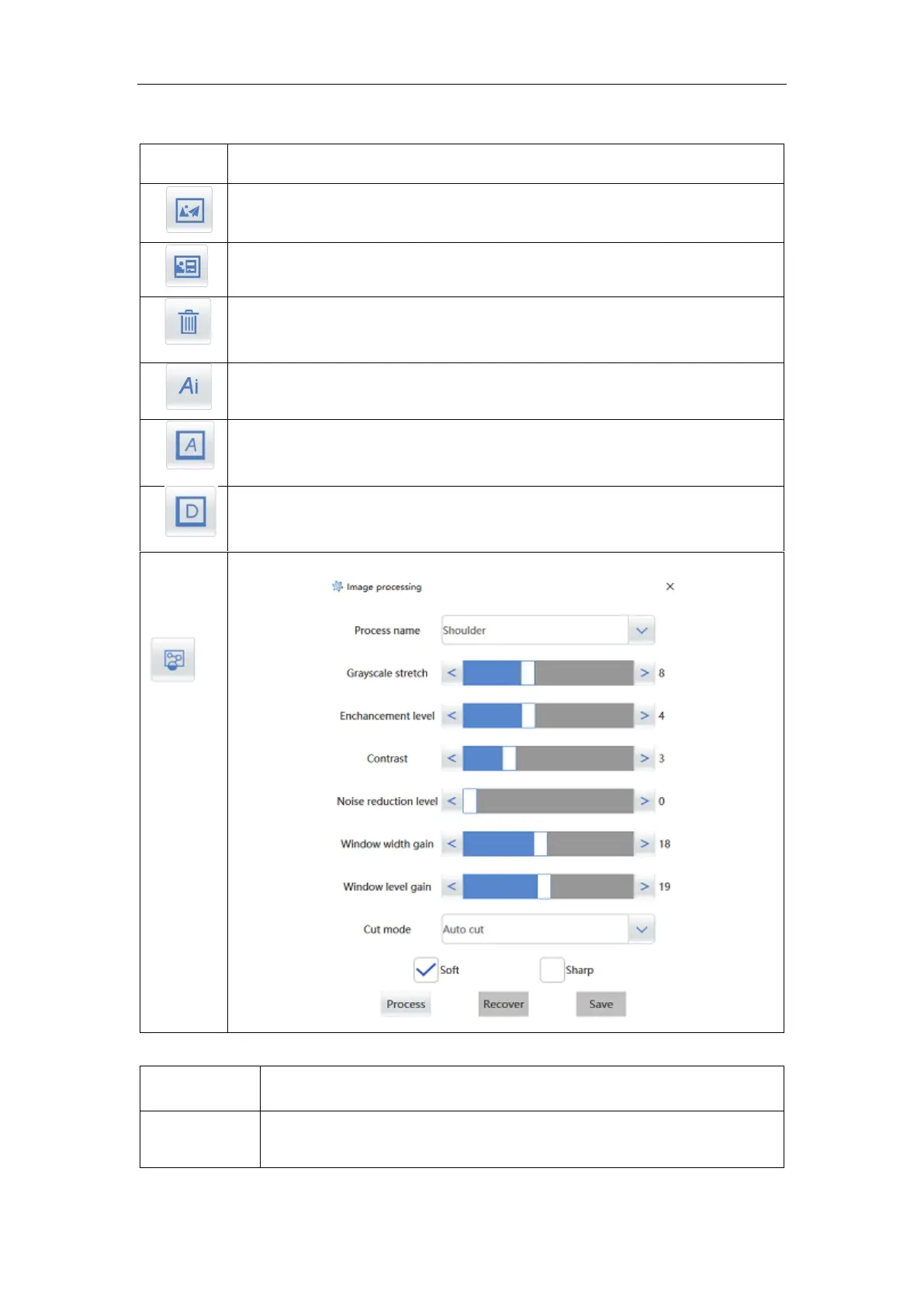
Image processing, adjust the image as needed
Display the patient's name, ID number, gender, age, examination
date, time, etc, which can be set as required;



 To Next Page