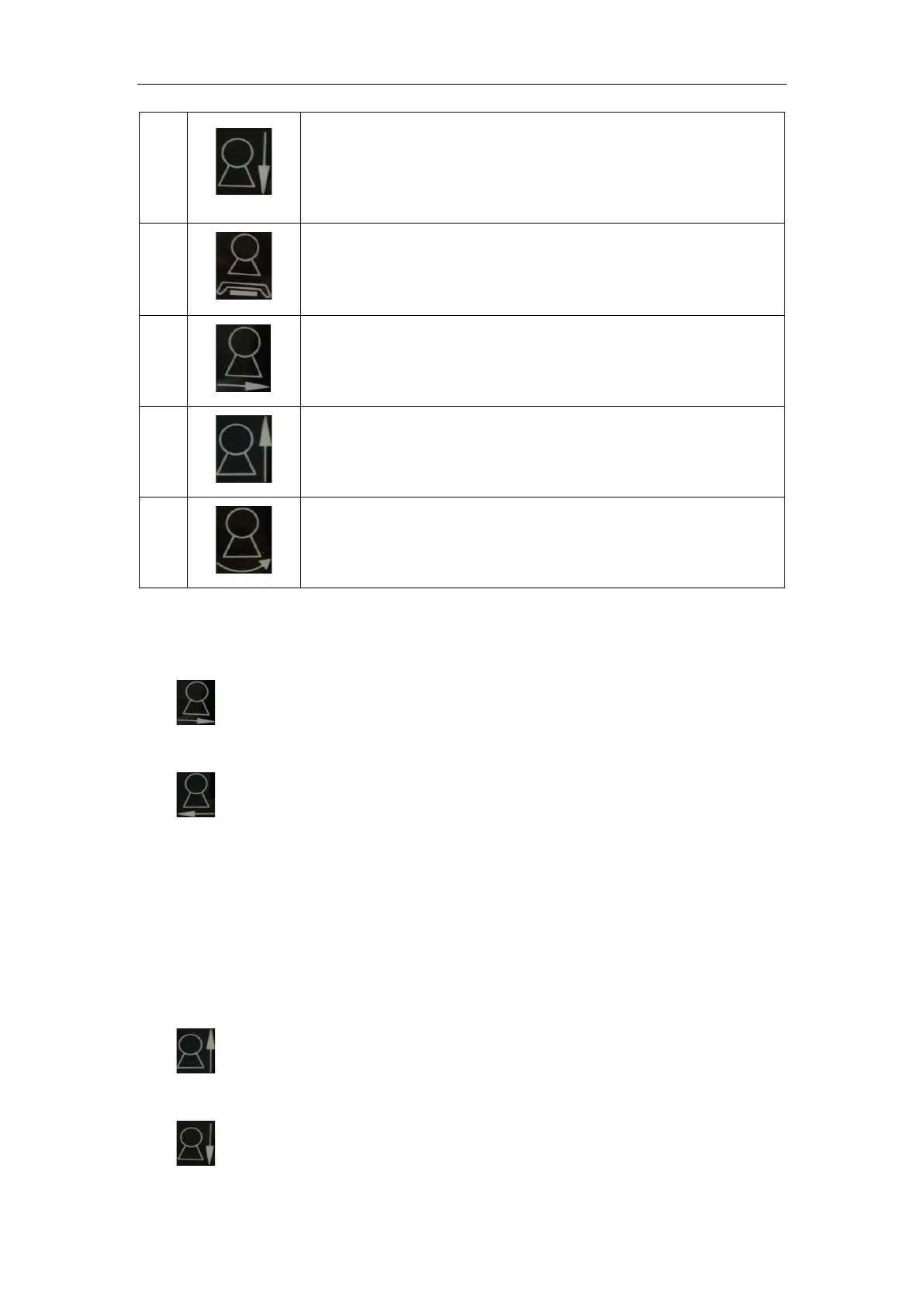
Control button for UC arm downward movement. Press this button
and hold to move UC arm downward and the movement will stop
when this button is released.
Automatic key of Under-table film position. The equipment will
move to under-table position automatically when this button is
pressed.
SID increase button. Press this button and hold to increase SID
value and the movement will stop when this button is released.
Control button for UC arm upward movement. Press this button
and hold to move UC arm upward and the movement will stop
when this button is released.
Control button for UC arm rotation movement. Press this button
and hold to rotate UC arm in a counterclockwise direction.
5.4 Movement Control
5.4.1 SID Increment/Decrement Movement Control
: Press this button and hold, the tube assembly will move along the straight
part of UC arm to the detector, and SID increases.
: Press this button and hold, the tube assembly will move along the straight
part of UC arm away from the detector, and SID decreases.
The movement range of SID increment/decrement movement is 1m ~ 1.8m; in case
of reaching the limit position, the tube assembly will automatically lock; within the limit,
release the button, the tube assembly will automatically lock in the current position, and
the corresponding window of touch screen will show the current SID value.
5.4.2 UC Arm Up/Down Movement
: Press this button and hold, the UC arm will move upward along the column
rail.
: Press this button and hold, the UC arm will move downward along the column
rail.



 To Next Page